What do you need to use the German eID?
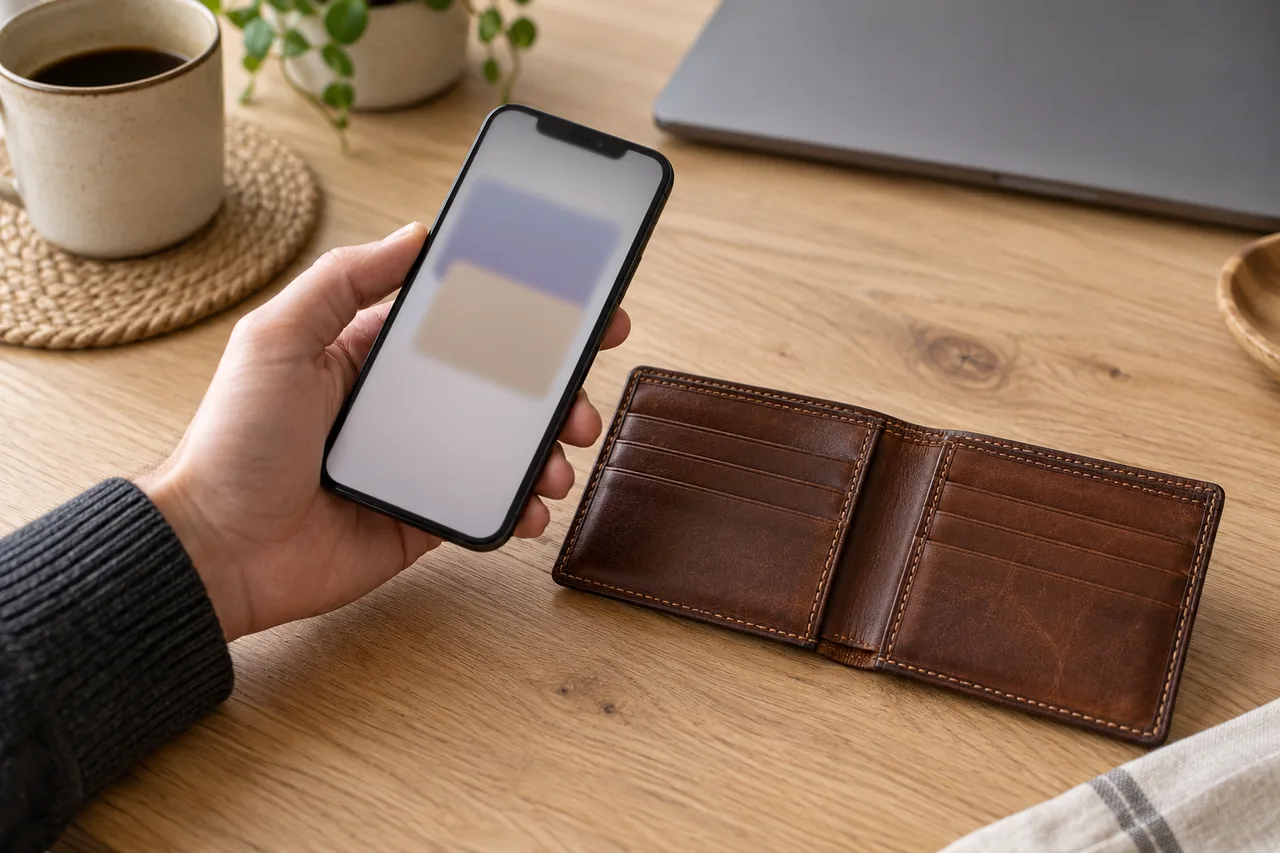
The eID function sits on the chip of the German ID card (Personalausweis), the electronic residence permit and the eID card Germany issues to EU and EEA citizens. AusweisApp lists four requirements:
- The eID function is activated.
- You know your self-chosen six-digit PIN.
- AusweisApp is installed.
- You have an NFC-enabled phone or a suitable USB card reader.
ID cards and residence permits issued after July 2017 have the function switched on automatically, and so does the eID card. Exception: under 16 it stays off; after your 16th birthday the authority can switch it on in person.
For an older card, run «Check device and ID card» in AusweisApp: a green tick next to the activation status means the function is switched on. If not, your citizens' office (Bürgeramt) can switch it on, or a reset letter activates it with a new PIN.
An everyday example
Fictional example: Siobhan, an Irish nurse in Hamburg, got the German eID card for EU citizens two years ago. She set a PIN back then but has forgotten it. Her PUK cannot help: it only lifts a block.
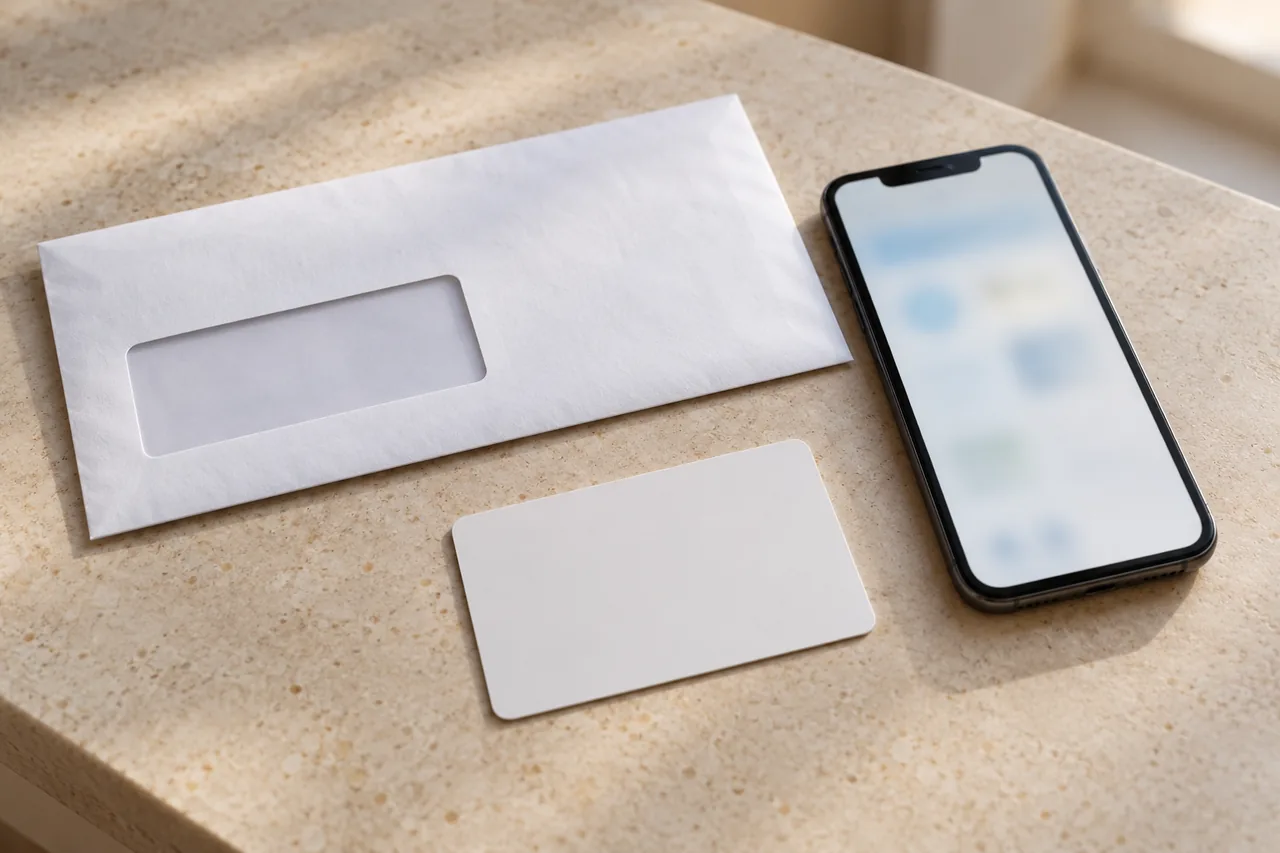
As her Hamburg address is stored on the chip, she orders a PIN reset letter online. Six working days later the postman hands it over after checking her passport. That evening she activates it and sets a PIN she will remember.
How do you replace the one-time PIN with your own PIN?
The five-digit number in your PIN letter used to be called the «transport PIN»; newer letters call it the «one-time PIN». You need it just once, to set your own six-digit PIN.
AusweisApp on your phone
- Have your card and PIN letter ready.
- Open AusweisApp and select «Change PIN». On mobile versions, swipe left on the home page to see all menu items.
- Select «5-digit one-time PIN» and follow the instructions.
- Hold your card against the NFC area of your phone and enter the one-time PIN.
- Choose your new six-digit PIN. You have one minute to complete the change; otherwise the app shows «Timeout» and you start again.
Menu path as given in the manufacturer’s help; it may differ by device and version: ausweisapp.bund.de
You can also replace the one-time PIN when collecting your card. Lost the letter before setting a PIN? The office can set a new one, or you can order a reset letter.
Tip: Avoid easy combinations such as 123456, your date of birth or any number printed on the card.
How should the card sit on your phone?
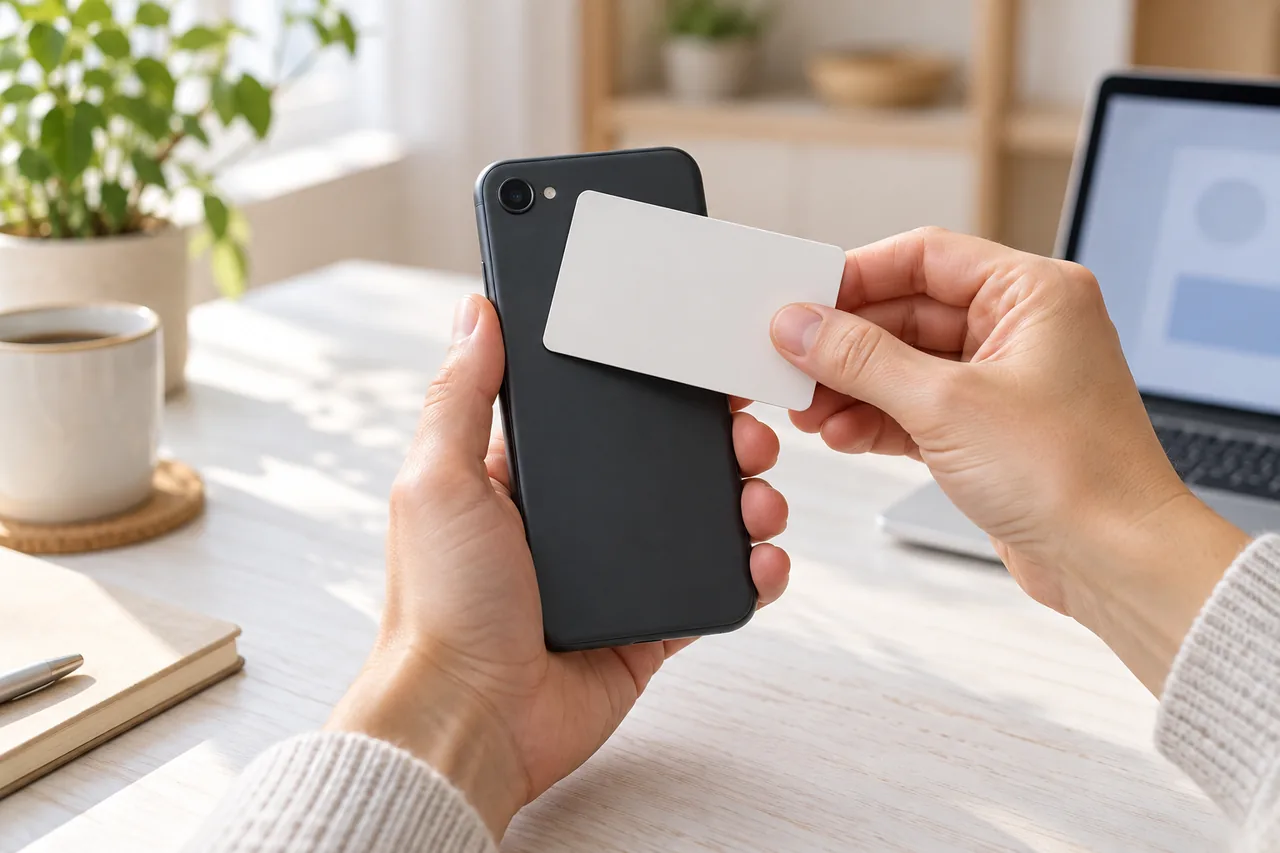
Your phone reads the chip via NFC, a radio link over roughly 5 to 10 centimetres. On most Android phones the NFC area is on the back; on an iPhone, at the top edge of the back.
- Lay the card flat on the back and keep still until the app confirms success. With an iPhone, lay the card on a flat surface and rest the top edge of the iPhone on it.
- Remove a thick protective case if necessary and make sure the phone is charged.
- If reading fails, check the AusweisApp device list: chip and operating system must support «extended length» communication.
- AusweisApp runs on Android 9.0 or later and iOS 17.0 or later, and on computers with macOS 14.0 or later or Windows 10 (64-bit) and 11.
On a laptop, you can pair your phone as a card reader; AusweisApp must then run on both devices. Pairing generally does not work on public Wi-Fi. While you are at it, prepare your phone for loss.
Forgotten PIN: reset letter or ID card office?
The federal PIN reset and activation service was discontinued on 31 December 2023 and has been back in an open test phase since early October 2026. According to the Federal Ministry for Digital Transformation and Government Modernisation (BMDS), it is free for a limited period while the quota lasts. Its website is in German and English.
| Criterion | PIN reset letter | ID card authority |
|---|---|---|
| Who can use it | aged 16+, ID card or eID card, registered address in Germany | ID card and eID card at the citizens' office; residence permit at the immigration office |
| What you need | AusweisApp, NFC phone or card reader, CAN | your card; find the office via 115 or servicesuche.bund.de |
| Time | letter usually within seven working days | PIN is set on the spot |
| Delivery | only to the address stored on the chip, via POSTIDENT | in person |
| Cost | currently free, for a limited period | ask your authority |
| Watch out | old PIN stops working on ordering; no cancellation | PUK stays the one from the first letter |
Timeline for the reset letter
- Order: open AusweisApp, start the order at pin-ruecksetzbrief-bestellen.de, hold your card flat against the phone and enter the CAN. Your old PIN is now invalid and the eID function is switched off.
- Up to seven working days: the letter is handed over only against an official ID document valid in the EU; a driving licence is not enough. If you are out, it waits at the post office for seven working days.
- Within 90 days of ordering: scan the QR code or enter the activation code, then confirm in AusweisApp with card and CAN. It is then recommended to replace the six-digit PIN from the letter with your own via «Change PIN».
PIN blocked: what are the CAN and PUK for?
| Number | Where to find it | When you need it |
|---|---|---|
| One-time PIN (5 digits) | in the PIN letter | once, to set your own PIN |
| PIN (6 digits) | only in your head | every time you identify yourself online |
| CAN (6 digits) | front of the card, bottom right next to the expiry date | after two wrong PIN entries and when ordering a reset letter |
| PUK (10 digits) | only in the first PIN letter | after the third wrong PIN entry, to lift the block |
The CAN prevents a third wrong attempt without your consent. The PUK only lifts the block; it does not replace a forgotten PIN. Keep the PIN letter as carefully as recovery codes for your accounts.
A card reported lost or stolen cannot get a reset letter; if it turns up again, the citizens' office can lift the block.
What does the eID have to do with the d-you wallet?
Germany's state EU Digital Identity Wallet is called d-you and, according to BMDS, is due to launch on 2 January 2027. It will be free and voluntary, and offline routes remain. BMDS names a German ID card (Personalausweis) with the eID function activated and the matching PIN; it does not mention the eID card for EU citizens. For the bigger picture, read what the EUDI Wallet can do.
How do other European countries handle digital ID?
The German eID always belongs to a document issued by Germany. Other countries run their own schemes; the EU ones below are all on the EU list of eID schemes notified under the eIDAS Regulation (Official Journal, April 2025).
| Country | State solution | Good to know |
|---|---|---|
| DE | eID function with AusweisApp; d-you wallet from 2 January 2027 | on the EU list (assurance level high); reset letter only with a German registered address |
| AT | ID Austria, a further development of the mobile phone signature and citizen card | on the EU list (level high); login confirmed e.g. with the «ID Austria» app; beware of fake «renewal» SMS |
| CH | state e-ID in the swiyu wallet app | not yet introduced, test version (Beta-ID) only; voluntary and free; EU law does not apply automatically |
| FR | France Identité | on the EU list (level high); FranceConnect+ is listed too (level substantial) |
| IT | electronic identity card (CIE) and SPID | both on the EU list; CIE at level high |
| ES | electronic DNI (DNIe) | on the EU list (level high) |
Common mistakes
- Throwing away the PIN letter after changing the PIN: the PUK inside is issued only once.
- Ordering several reset letters because the first is taking a while: each new order invalidates the earlier code.
- Leaving the activation code too long: it is only valid for 90 days from the order.
- Moving the card while it is being read.
Your checklist
The checkboxes are for your own reference. No entries are sent to us. To keep a copy, print the page or save it as a PDF using your browser menu.
Common questions
I have forgotten my German eID PIN. What now?
With a registered address in Germany, order a letter with a new PIN and activation code at pin-ruecksetzbrief-bestellen.de; you need AusweisApp, an NFC phone and the CAN. It usually arrives within seven working days. Alternatively, your ID card authority, usually the citizens' office, sets a new PIN. The 115 hotline tells you which office is responsible.
What is the difference between the transport PIN and the one-time PIN?
None in practice. The five-digit number from the PIN letter used to be called the transport PIN; newer letters call it the one-time PIN. You need it once, to set your own six-digit PIN via «Change PIN». After that only your new PIN counts, and you can change it in the app at any time.
Can I use the eID if I am an EU citizen living in Germany?
Yes, if you have the German eID card for EU and EEA citizens. Its eID function is activated automatically, and you receive a PIN letter as part of the application. You can then use AusweisApp just like German card holders. With a registered address in Germany, the PIN reset letter is also available to you.
Do I need the eID for the d-you wallet?
According to BMDS, setting up d-you requires a German ID card (Personalausweis) with the eID function activated and the matching PIN; the eID card for EU citizens is not mentioned. The voluntary wallet is due to launch on 2 January 2027. Check now that the function is active and that you know your PIN: a reset letter usually takes up to seven working days, and the free offer is time-limited.
Sources and further information
Primary sources from public authorities, consumer organisations and providers. A source may be in another language; follow the guidance that applies to your service and where you live.
- AusweisApp (German federal government): FAQ for usersSource review date:
- AusweisApp: What you need (in German)Source review date:
- German federal PIN reset and activation service: order a PIN reset letter (in German)Source review date:
- BMDS: Online ID – new PIN without visiting the citizens' office, 13.10.2026 (in German)Source review date:
- BMDS: EUDI Wallet d-you (in German)Source review date:
- Swiss Confederation: the electronic identity (e-ID)Source review date:
- ID Austria: official information site (Austria, in German)Source review date:
- EUR-Lex: electronic identification schemes notified under Article 9(1) of Regulation (EU) No 910/2014, OJ C/2025/2448Source review date: