A small example of a circular dependency
Fictional example: Nora keeps a screenshot of her backup codes on her phone. Her photos sync to the same cloud account whose sign-in approval comes through that phone. After losing it, she cannot reach either the approval or the screenshot. The codes exist, but they are not useful in that situation. Her replacement arrangement needs to work without the missing device and without access to that particular account.
Identify the kind of code first
A backup code, device passcode and recovery key are different things. The provider’s own instructions explain the function of each. Google backup codes are an alternative for its additional sign-in verification, and a used code becomes inactive. Other services use different arrangements. Do not carry over a code count, expiry rule or menu instruction from an unrelated guide. Label your protected copy with the service and creation date so that you can distinguish separate sets.
Check privacy and access separately
Start with privacy. An open drawer, family group chat or shared photo album is unsuitable. A printed copy stored with other protected important documents may work. Digital storage also needs appropriate protection. Then check access: can you open it without your normal phone? If the only key to that storage is inside the affected account, the same dependency remains. A second protected copy can be useful, but it also needs updating whenever the codes change.
Create, label and replace the right copies
Reach the account through your familiar app or an address you enter yourself. Generate codes only through the official process. Put the complete copy in its intended location and check that it is readable. With Google, generating a new set disables the previous one. Remove outdated copies from your own filing system so that you do not rely on the wrong set later. Never upload secrets to a public template or an AI chat. Someone helping you organise your records does not need to read the codes.
Practise finding the route, without locking yourself out
First test whether you can find and open the storage. Do not sign out every device as a precaution. If the provider explains a controlled sign-in test, understand its effects and keep an existing working route available. Afterwards, record only the date on which you checked access. If you suspect the codes have been exposed, use the account’s official security process and replace affected codes. Ask official support when the recovery rules are unclear; successful recovery cannot be guaranteed.
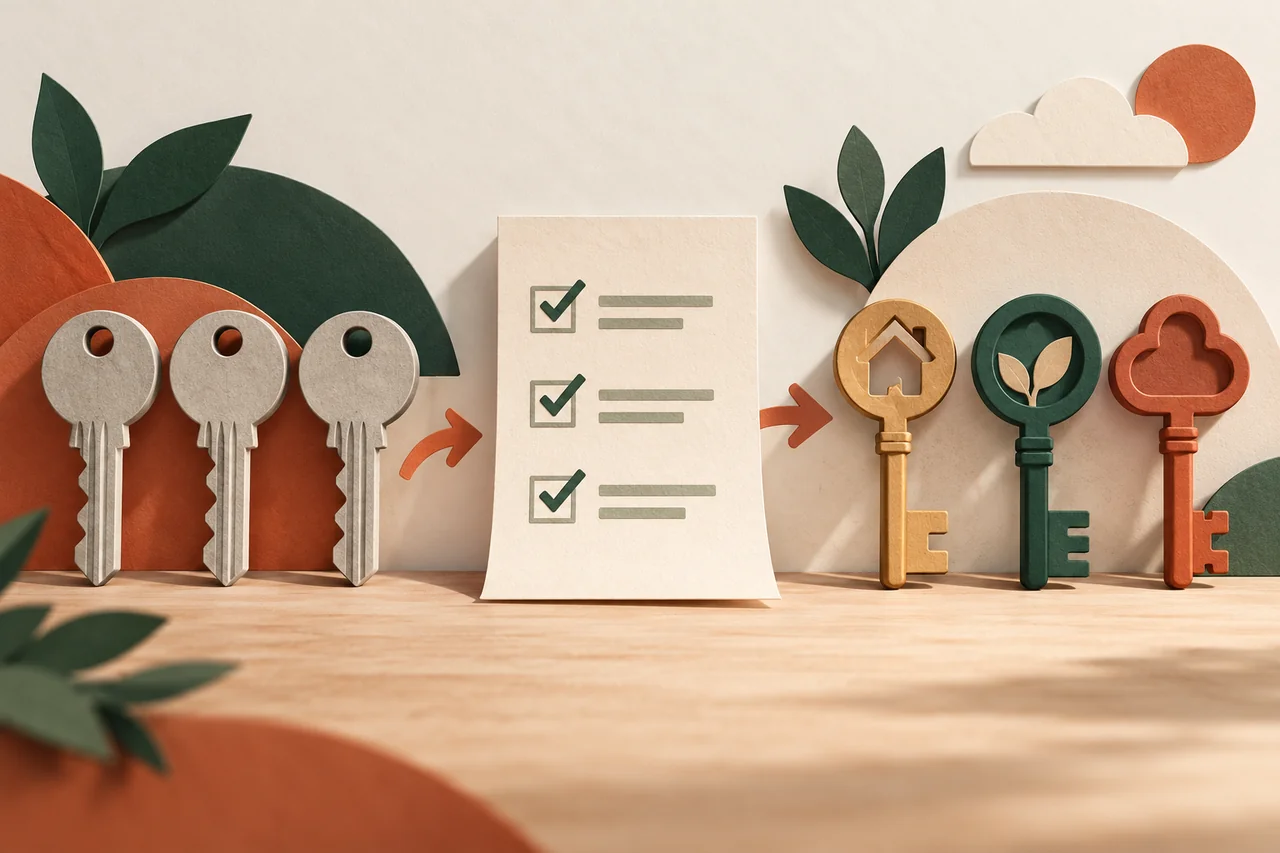
Your checklist
The checkboxes are for your own reference. No entries are sent to us. To keep a copy, print the page or save it as a PDF using your browser menu.
Common questions
Can a relative keep the codes for me?
That is a deliberate trust decision which may give someone account access. First check whether the provider offers a designated recovery-contact feature. A relative can help organise the process without seeing the codes.
Should I use a code just to test it?
Not automatically: testing may consume it. Check your storage route first, then follow the specific provider’s guidance if you decide to test an actual sign-in.
What should I do with an old printout?
Compare its date with your current records and the provider’s rules. Dispose of a confirmed inactive copy confidentially, so that it does not create confusion during a later emergency.
Sources and further information
Primary sources from public authorities, consumer organisations and providers. A source may be in another language; follow the guidance that applies to your service and where you live.
- Google: Sign in with backup codesSource review date:
- Google: Set up recovery optionsSource review date: