A plan must work without the missing device
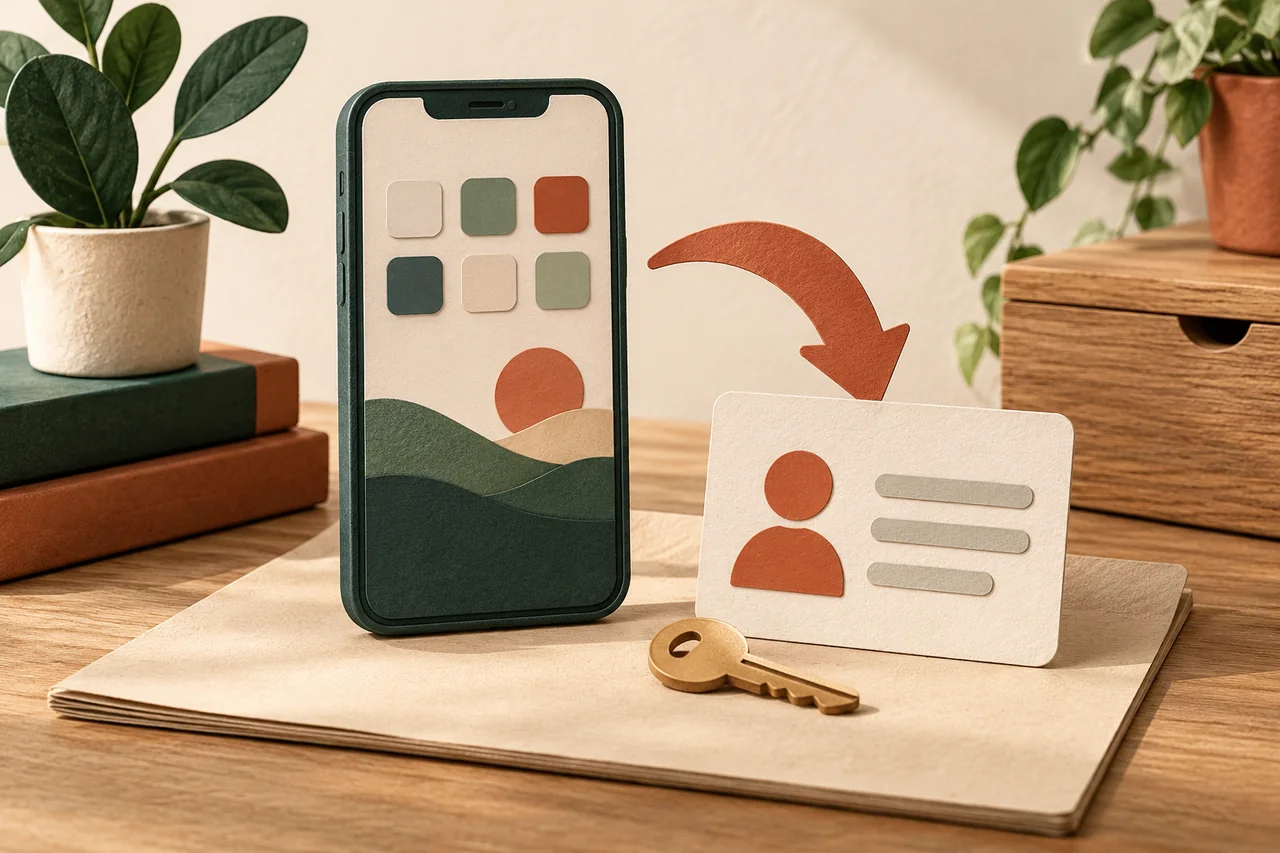
Fictional example: Jonas keeps every number, agreement and access reminder on his smartphone. After losing it, he would first need that same phone to find help. He therefore prepares a small card at home listing his mobile provider, official support route and the location of protected device documents. It contains no passwords. Someone he trusts can know where this organisational note lives without thereby gaining access to his accounts. The useful distinction is between knowing the route and possessing the secrets.
Prepare the appropriate finding feature
Read the manufacturer’s current instructions and check the associated account. Apple and Google provide device-finding features, but their requirements and capabilities depend on hardware and settings. Enable the supported options deliberately and review how location information is used. Enabling a feature does not guarantee a result: battery status, connectivity, supported hardware and the latest available information can affect what appears. Check that the device list refers to your current phone rather than an older model with a similar name.
Check access from somewhere else
Use your own computer or another trusted device. Open the official finding service directly and establish whether your phone is available there. Consider whether additional sign-in approval goes only to the phone that might be missing. Prepare alternative methods supported by the provider. A successful check today is useful without guaranteeing every future situation. When borrowing a device, do not save credentials and end your session afterwards. Practise reaching the service and recognising the correct device; do not practise remote erasure.
Distinguish securing, erasing and removing
Read what the available actions do before you need them. Lost mode, remote erasure and removing a device from an account serve different purposes. For a stolen iPhone, removing it from Find My can remove Activation Lock, so it is not a general tidying-up recommendation. During an actual incident, follow current manufacturer guidance and any relevant insurance procedure. Prepare a usable backup beforehand, so a decision about protecting private information does not collide with an unknown backup situation at the worst moment.
Prioritise personal safety during a real loss
If a map points to an unfamiliar location, do not confront a possible thief yourself. Use the appropriate authorities and contact the mobile provider through an independently verified route. Expect possible follow-up messages claiming that the phone has been found and requesting account details. Do not disclose passwords, screen-lock codes or verification codes. Review the plan after changing phones or numbers. For a workplace device, follow the responsible IT team’s procedures as well; do not improvise an independent remote wipe.
Your checklist
The checkboxes are for your own reference. No entries are sent to us. To keep a copy, print the page or save it as a PDF using your browser menu.
Common questions
Can I enable finding after the phone disappears?
Do not rely on that. Some required features need to be configured beforehand. Check the current manufacturer process while you can still operate the device.
What belongs on the emergency card?
The provider, official contact route and reminders of private document locations are enough. Keep passwords, recovery codes and full payment details off the card.
Should I immediately remove the phone from my account?
Not as a blanket rule. Removal can affect protective features or insurance procedures. Read the specific loss instructions first: removal, locking and remote erasure are separate decisions.
Sources and further information
Primary sources from public authorities, consumer organisations and providers. A source may be in another language; follow the guidance that applies to your service and where you live.
- Google: Prepare to find a lost Android deviceSource review date:
- Apple: Find a lost iPhone or iPadSource review date:
- Apple: If your device was stolenSource review date: