
Privacy on social media
See your profile as a stranger: a practical privacy review
Review public profile details, older posts and tags separately. Choose who needs each piece of information and check the result after making changes.
Read the guide →Digital everyday life
10 guides on “Privacy on social media”: calm explanations, clear next steps and checklists for everyday life.
Review public profile details, older posts and tags separately. Choose who needs each piece of information and check the result after making changes.
Read the guide →
Share travel memories without unnecessary live locations, absence dates or booking details. Review the picture, caption and audience before posting.
Read the guide →
A photograph shared in a private chat is not automatically cleared for a public post. Explain the image, audience and purpose before showing other people.
Read the guide →
Check image edges, reflections, papers and visible screens. Taking another photograph is often simpler than relying on a hurried cover-up.
Read the guide →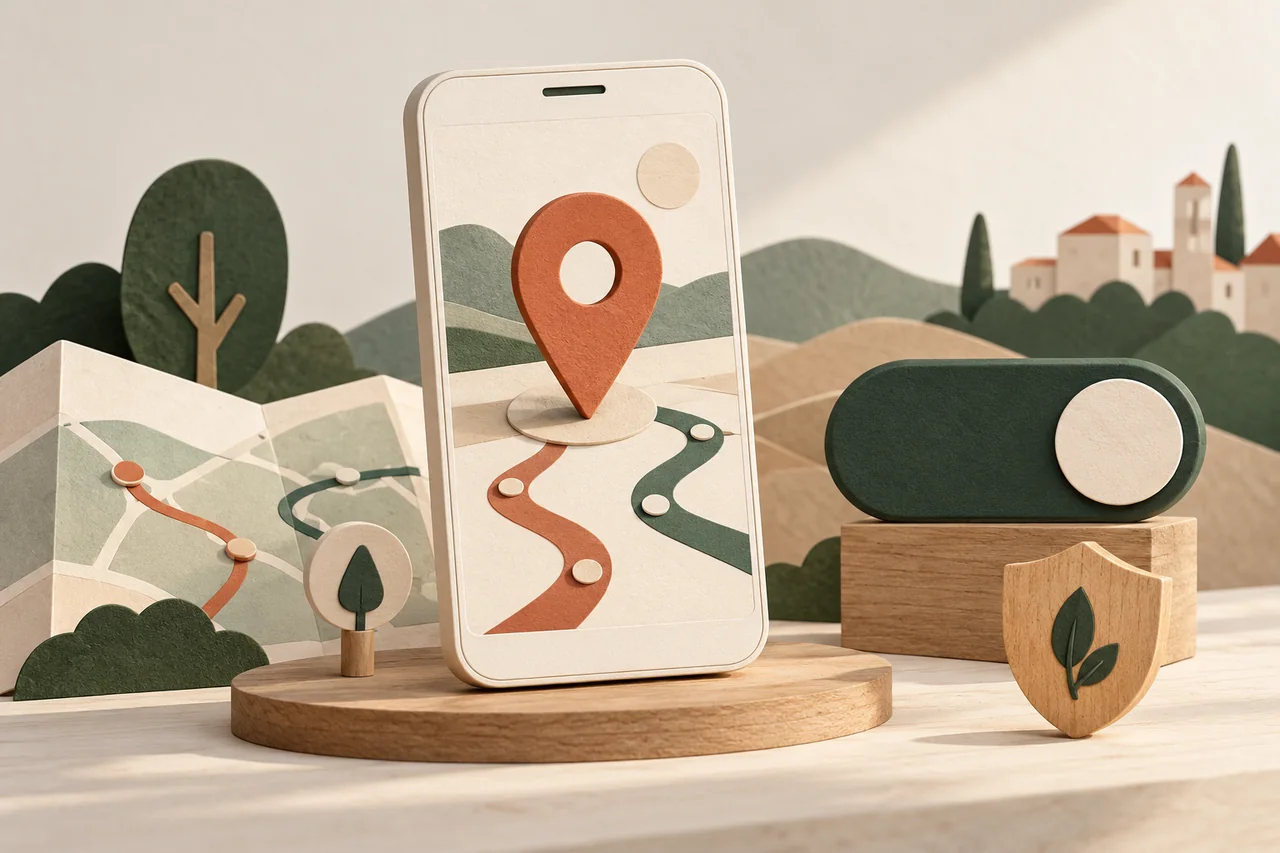
Check recipients, duration and purpose of location sharing. Distinguish app permission, an active sharing arrangement and saved location history.
Read the guide →
A familiar photo and mutual contacts do not prove identity. Verify an unexpected friend request through a contact route you already know.
Read the guide →
Entertainment quizzes can request personal answers and account permissions. Check the provider, requested information and access before joining in.
Read the guide →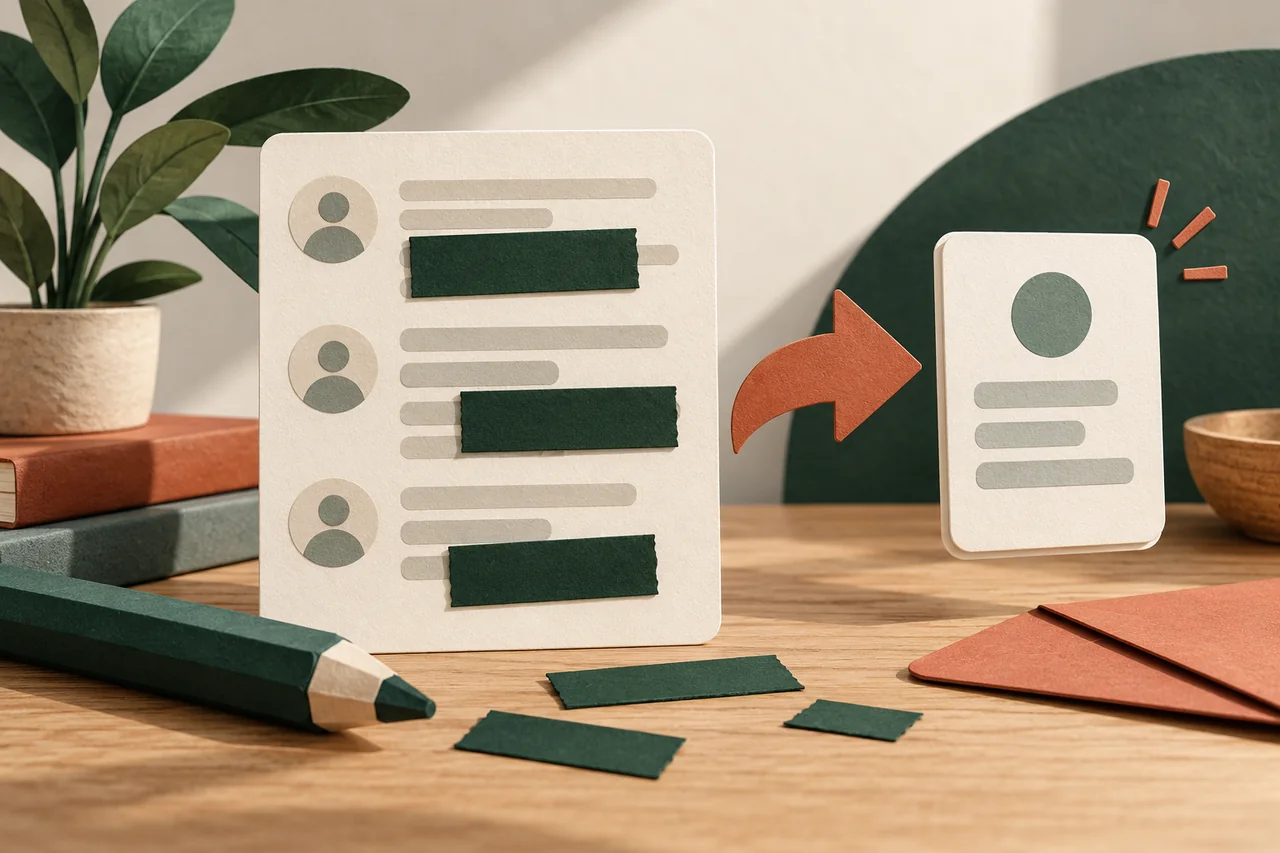
Share a useful screenshot of a problem without also sharing names, private messages, access codes or unrelated documents.
Read the guide →
Before accepting a group invitation, check who sent it, what the group is for and which personal details members will be able to see.
Read the guide →
Find forgotten account connections, understand their permissions and remove unnecessary access without losing an important way to sign in.
Read the guide →