What is d-you and what can it do at launch?
d-you is Germany's state EUDI Wallet (European Digital Identity). The Federal Government provides it, with the federal digital ministry, the Bundesministerium für Digitales und Staatsmodernisierung (BMDS), in charge; the Federal Agency for Breakthrough Innovation (SPRIND) develops the app on the government's behalf. According to the BMDS, the launch is planned for 2 January 2027, on Android and iOS. It is free and voluntary, and offline routes to public services remain.
At launch, the wallet is mainly for identifying yourself online and in person. Your digital ID is called PID (person identification data) and, according to the project site, reaches the eIDAS assurance level ‘high’, the top level for electronic identification. Proving you are over 18 should work without revealing your date of birth. Further credentials are to follow, from a simple gym card to a driving licence.
Qualified electronic signatures and pseudonymous log-ins are planned for later. The BMDS expects around 40 partners from business, research and administration to offer applications at launch. For the EU-wide picture, see EUDI Wallet: what the EU wallet can do and when it arrives.
| Date | Step | Source |
|---|---|---|
| 20 May 2026 | Federal Cabinet adopts the draft Digital Identities Act (DIdG) | BMDS |
| 23 September 2026 | First reading in the Bundestag | Bundestag |
| 14 October 2026 | Digital Affairs Committee adopts the bill in amended form | Bundestag |
| 15 October 2026 | Bundestag plenary; its report is headlined ‘Bundestag clears the way for the EUDI Wallet’ | Bundestag |
| End of 2026 | EU target date for wallets in all Member States | European Commission |
| 2 January 2027 | d-you launches for Android and iOS | BMDS |
What do you need before launch day?
According to the BMDS, setting up d-you requires a German ID card (Personalausweis) with the online ID function (eID) switched on and the matching PIN. The project site also mentions the electronic residence permit (eAT). According to the AusweisApp, the phone needs built-in NFC, the short-range radio it uses to read the card's chip.
- Card: German ID card or electronic residence permit, with the online ID function switched on.
- PIN: your own six-digit PIN. Forgotten it? Since early October 2026, the BMDS says, you can again order a letter with a new PIN online (pin-ruecksetzbrief-bestellen.de), sent to the address on the chip; it is free for a limited period, while the quota lasts.
- Phone: Android or iPhone with NFC. The AusweisApp website lists compatible devices.
How to check the online ID function and set a PIN is explained in Activating the online ID: set your PIN and use it on your phone. You can already test whether your phone and card work together in the AusweisApp:
AusweisApp (Android and iPhone): check your phone and card
- Open the AusweisApp
- On the start page, tap ‘Check device and ID card’
- Follow the instructions; the app guides you through checking your phone and card
Menu path as given in the manufacturer’s help; it may differ by device and version: ausweisapp.bund.de
What might this look like in practice?
Fictional example: Priya, a software developer from Bangalore, lives in Munich with an electronic residence permit. In late December a text tells her to ‘activate your EU wallet by 31 December’ or her online ID will be blocked, with a link and a small fee. Priya knows the German wallet is voluntary and free, and deletes the message.
That evening she checks her residence permit in the AusweisApp instead. The online ID function is on, but she has forgotten her PIN, so she deals with that before the new year. On 2 January 2027 she types eudi-wallet.gov.de into her browser, checks the app's name and installs d-you from her phone's store. With card and PIN ready, set-up works first time.
How do you set up d-you from 2 January?
No official step-by-step guide had been published at the time of writing. The steps follow what the BMDS and the project site have announced; the order and details in the app may differ.
- Type eudi-wallet.gov.de or bmds.bund.de into your browser and check the app's name there.
- Install d-you from your phone's official app store. It is free; there is nothing to buy.
- Set up access protection: according to the project site, a PIN or biometrics such as your fingerprint or face.
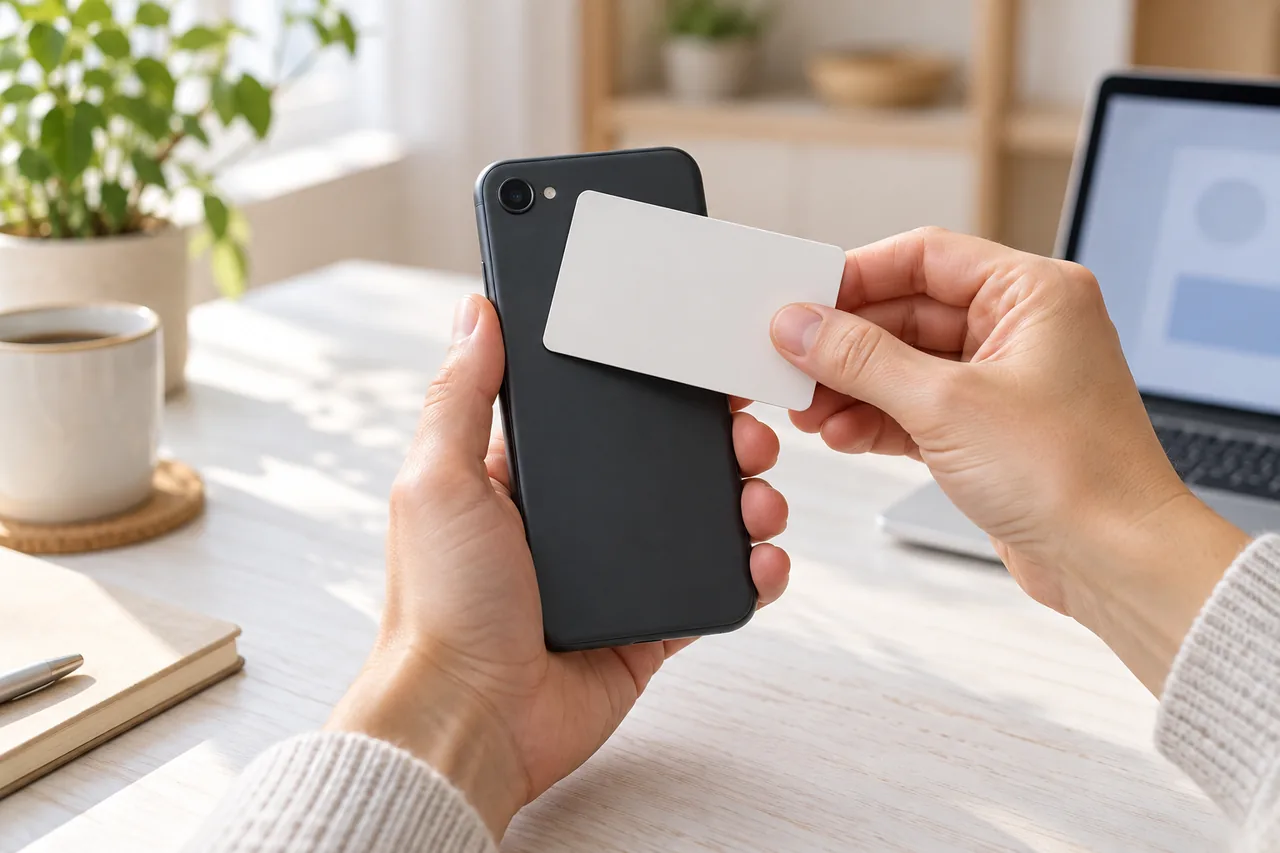
- Add your digital ID: hold your card against the phone and confirm with your six-digit PIN. Where the card must touch depends on the model; for the iPhone 11, for example, the AusweisApp names the top edge.
- Check the details the wallet shows, then close the app.
Following amendments in the Bundestag's Digital Affairs Committee, you should be able to refuse having your biometric photo copied into the wallet. Look out for this choice during set-up if it is offered.
How can you tell the real app from a fake?
Fraudulent messages also circulate around state ID services; Austria's official ID Austria portal, for example, warns of such texts. Check against the official details:
- Name and origin: the app is called d-you and comes from the Federal Government; SPRIND develops it.
- Cost: d-you is free. A fee for downloading or ‘activating’ it does not fit.
- Voluntary: nobody has to use the wallet. A deadline plus a threat is a warning sign.
- Other wallets: according to the BMDS, other providers are expected to be certified only about twelve months after launch. Treat any other ‘official’ German wallet offered in January 2027 with care.
- PIN: enter your card PIN only in the app, never on a website from a link, to a caller or in a chat.
For finding the genuine publisher in an app store, see Installing an app: finding the right provider.
What happens when a service asks for your data?
According to the project site, only data you actively approve is transferred, and only what the purpose requires. Only organisations registered with the state may send requests, and the wallet checks their certificate. Your credentials are stored encrypted on your phone, with no central database.
At the hearing in the Bundestag's Digital Affairs Committee on 6 October 2026, the Federation of German Consumer Organisations (vzbv) called for data requests to be limited to what is strictly necessary in each case. So read every request before approving it.
| Check | What to look for | If it does not fit |
|---|---|---|
| Who is asking? | The name shown matches the service you opened yourself. | Cancel and contact the service through a route you already know. |
| Which data? | Only what is needed, such as ‘over 18’ instead of your date of birth. | Cancel, or ask the service why it needs more. |
| Why? | The request matches what you are doing, such as a contract or an age check. | Never approve a request that came out of an unexpected message. |
| Afterwards | Keep track of which service you shared what with. | Raise anything unclear with the service. |
What if you lose your phone or get a new one?
According to the project site, you can have the wallet blocked if your phone is lost. It is then permanently deactivated, and you set it up again on a new device with your card and PIN, because your data lives only on the phone. The wallet does not replace the physical card.
Plan for a lost phone while everything still works: Phone gone: prepare your emergency route while you still have it.
Which official digital ID applies in other European countries?
d-you is intended for citizens and residents in Germany. According to the European Commission, every Member State must provide at least one EU Digital Identity Wallet, with wallets available by the end of 2026. Switzerland is not in the EU, so these rules do not apply there automatically.
| Country | Official offer | Good to know |
|---|---|---|
| Germany | d-you, the state EUDI Wallet, from 2 January 2027 | Free and voluntary; according to the BMDS, set up with a German ID card, activated online ID function and PIN. |
| Austria | ID Austria, with the ‘ID Austria’ app | The official portal warns of texts asking you to ‘register/renew’ ID Austria; do not open their links. |
| Switzerland | Federal e-ID | Not in the EU; Swiss law applies. According to the Confederation, the e-ID has been delayed; the trust infrastructure is expected to go live in the first half of 2027. |
| Spain | MiDNI app with the digital DNI on your phone | According to the official DNIe portal, since 2 April 2026 the digital DNI on a phone can be used for legal identification. |
| France, Italy and other EU countries | At least one national EUDI Wallet, required by EU law | According to the European Commission, wallets are due by the end of 2026; check your government's official portal for the current offer. |
Common mistakes
- Finding out on launch day that the online ID function is off or the PIN is missing.
- Installing the first store result for ‘EUDI Wallet’ without checking the name d-you and the provider.
- Following a message with a deadline or fee, although the wallet is voluntary and free.
- Tapping through approvals without reading who is asking for what.
- Treating the physical card as obsolete, although you need it again after changing phones.
Your checklist
The checkboxes are for your own reference. No entries are sent to us. To keep a copy, print the page or save it as a PDF using your browser menu.
Common questions
Do I have to use the German EUDI Wallet?
No. Using d-you is voluntary. According to the Federal Government, the wallet does not replace existing means of identification, and the BMDS says offline services remain. If a message claims you must activate the wallet by a deadline, ignore its link and open the official websites yourself.
Can I use d-you with a foreign passport?
For setting up d-you, the BMDS names the German ID card with the online ID function; the project site also mentions the electronic residence permit. The project's FAQ has separate questions for people without a German ID card and for citizens of other EU countries living in Germany. As the rules for these groups may differ, check the current answer at eudi-wallet.gov.de/faq before relying on the wallet.
Where is my data stored?
According to the BMDS, your personal data is stored only on your smartphone and processed in encrypted form. The ministry says central storage and profiling are technically ruled out, and the state wallet's source code is public. Data leaves your phone only when you actively approve a request in the app.
Sources and further information
Primary sources from public authorities, consumer organisations and providers. A source may be in another language; follow the guidance that applies to your service and where you live.
- BMDS (German Federal Ministry for Digital Affairs): The state EUDI Wallet d-you (in German)Source review date:
- BMDS: Online ID card – new PIN without visiting the citizens’ office, press release 67/2026 (in German)Source review date:
- EUDI Wallet project (SPRIND for the BMDS): The app (in German)Source review date:
- German Bundestag: Bundestag clears the way for the EUDI Wallet (in German)Source review date:
- European Commission: European Digital IdentitySource review date:
- Republic of Austria: ID Austria (in German)Source review date:
- Swiss Confederation: New timetable for introducing the e-ID, 30 June 2026 (in German)Source review date:
- Spanish National Police: DNIe portal (in Spanish)Source review date: