Why isn't a passcode enough on its own?
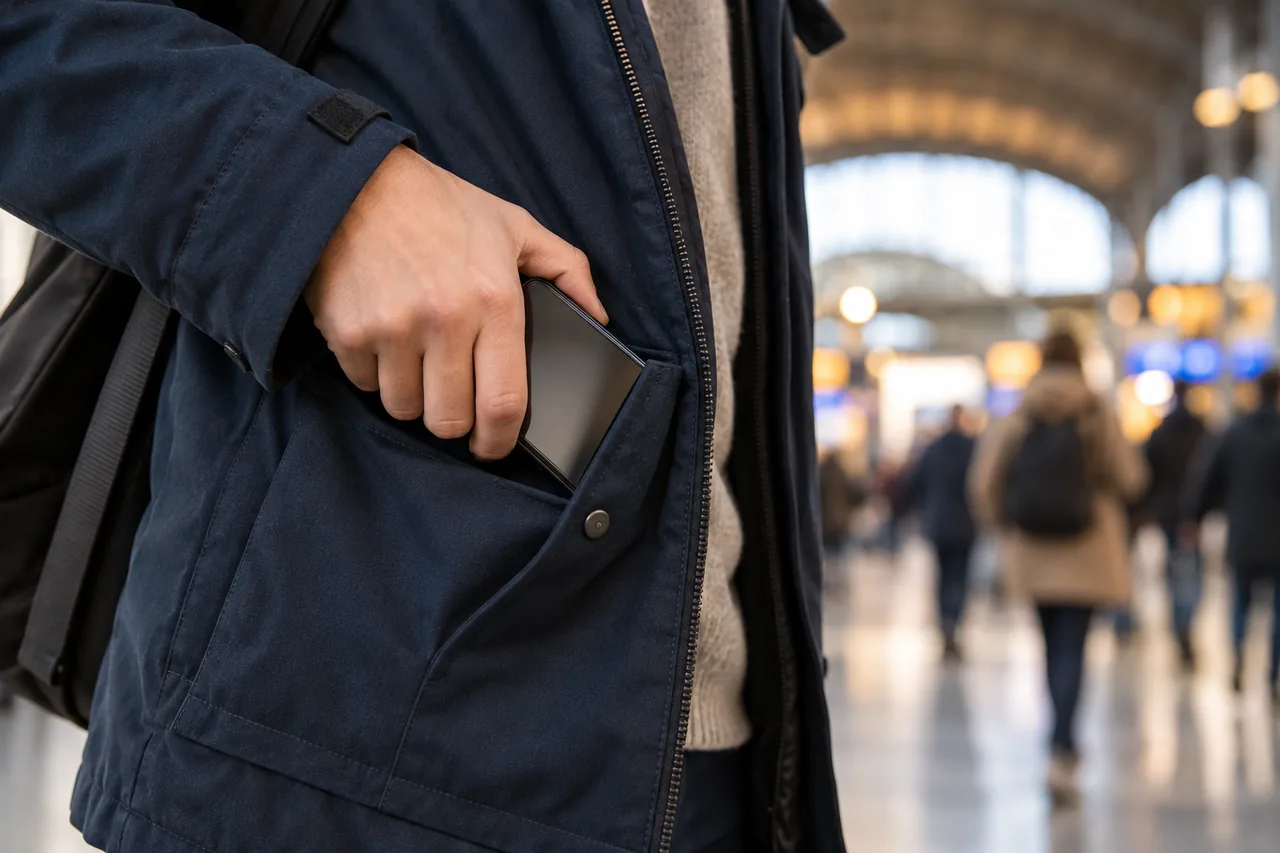
Your passcode protects your phone as long as nobody else knows it. If someone watches you unlock it and then steals the device, they hold the key. Apple designed Stolen Device Protection for exactly this case: it aims to stop someone who has your iPhone and knows the passcode from making critical changes to the device or your Apple Account. Android groups similar features under Theft protection.
These features add to a good passcode rather than replacing it. Switzerland's National Cyber Security Centre (NCSC) recommends a long, random PIN without simple sequences or personal details such as a birthday, and an auto-lock after the shortest possible period of inactivity, 30 seconds.
Tip: When you can, unlock with your face or fingerprint in public, so you type the passcode in front of others less often.
What does Stolen Device Protection do on iPhone?
The feature is available from iOS 17.3. It applies when your iPhone is away from familiar locations, which Apple says typically means home, work and other places where you regularly use your phone. Away from them, two layers apply:
- Face ID or Touch ID only, with no passcode fallback: using passwords or passkeys saved in Keychain, using payment methods saved in Safari, turning off Lost Mode, erasing all content and settings, and setting up or transferring an eSIM.
- A one-hour security delay: changing your Apple Account password or security settings, signing out, changing your passcode, adding or removing Face ID or Touch ID, and turning off the protection. You authenticate, wait an hour, then authenticate again.
If your iPhone recognises a familiar location in the meantime, it may end the delay early. Apple Pay still works with your passcode. You need two-factor authentication for your Apple Account, a passcode, Face ID or Touch ID, Significant Locations and Find My, which can't be turned off while the feature is on.
iPhone (iOS 17.3 or later)
- Go to Settings, then tap Face ID & Passcode (or Touch ID & Passcode).
- Enter your device passcode.
- Tap Stolen Device Protection, then turn Stolen Device Protection on.
- Optional: choose ‘Always’ under Require Security Delay. The extra checks then apply at familiar locations too.
Menu path as given in the manufacturer’s help; it may differ by device and version: support.apple.com
Apple says Stolen Device Protection may be on by default, so check in Settings. It has to be on before your iPhone is lost or stolen.
Tip: Before selling or passing on your iPhone, Apple recommends turning the feature off. Do it at home to avoid the delay. More in Passing on an old phone: back up first, then sign out properly.
Which theft protection features does Android have?
On Android, Google provides these features through Google services. According to Google, some steps only work on Android 10 and up, others only on Android 15 and up. Android Go devices aren't supported, and support may vary by model. You need a screen lock first.
- Theft Detection Lock: uses AI, your device's motion sensors, Wi-Fi and Bluetooth to detect when someone suddenly takes your phone, then locks the screen.
- Offline Device Lock: automatically locks the screen after your device goes offline, for example if a thief turns off the internet so that you can't find it with Find Hub.
- Identity Check: away from trusted places, it asks for your fingerprint or face for sensitive actions such as using saved passwords, changing the screen lock, a factory reset or turning off Find Hub. Only certain devices have it.
- Remote Lock: lets you lock the screen from another device at android.com/lock with a verified phone number, up to twice in a 24-hour period.
Android: Theft Detection Lock, Offline Device Lock, Identity Check
- Open your device's Settings app.
- Tap Google › All services › Theft protection.
- Turn on Theft Detection Lock. If the setting is greyed out, your device doesn't support it.
- Turn on Offline Device Lock.
- If available, tap Identity Check, sign in to a Google Account, add a screen lock, biometrics and trusted places, then tap Done.
Menu path as given in the manufacturer’s help; it may differ by device and version: support.google.com
Android: Remote Lock
- Open your device's Settings app and tap Google › All services.
- Under ‘Personal and device safety’, tap Theft protection.
- Tap Remote Lock, then turn on Remote Lock.
- If your number isn't verified, tap Verify number, then turn on Automatically verify phone numbers.
Menu path as given in the manufacturer’s help; it may differ by device and version: support.google.com
What else should you prepare?
- SIM PIN: Google points out that some operators have a default PIN that is available to the public. If you still use one, replace it with your own.
- IMEI: your phone shows this serial number when you dial *#06#. Police and operators ask for it after a theft, for example in Germany, France and Spain. Note it with your phone number and operator hotline, and keep the note away from the phone.
- Backup: the NCSC recommends backing up regularly, for example to the cloud, a computer or an external drive.
- Access without your phone: check how you would get back into your email and your Apple or Google account. See Storing recovery codes safely.
Gathering emergency numbers and fallback routes is covered in Phone gone: prepare your emergency plan while you still have it.
Which feature helps in which situation?
| Situation | iPhone | Android |
|---|---|---|
| Someone snatches your unlocked phone | Set auto-lock as short as possible | Theft Detection Lock |
| Someone takes the phone offline or wants to stop location tracking | Find My stays on while Stolen Device Protection is enabled | Offline Device Lock, Identity Check |
| Someone knows your passcode and wants to use or change passwords | Face ID or Touch ID, plus a one-hour delay for account changes | Identity Check |
| You notice the phone is gone | Mark it as lost on iCloud.com/find | Lock it at android.com/lock |
What if your phone is stolen anyway?
Lock the device remotely first. Don't remove a stolen iPhone from Find My: this removes Activation Lock and makes it easier to erase and resell. Apple will never contact you to say your device has been found, so watch out for phishing messages and fake support calls. Then contact your operator, report the theft to the police and change the passwords of important linked accounts, as described in Lost phone: lock it, use backup routes and sort out contacts.
| Country | Who to contact | What to have ready | Good to know |
|---|---|---|---|
| Germany | Mobile operator, police | Phone number, SIM card number, customer number or password, IMEI | If you can't find your operator's number, the blocking hotline 116 116 can help (from abroad +49 30 4050 4050). |
| Austria | Network operator, police | IMEI, kept separately from the phone | The IMEI helps identify the phone when you report the theft. |
| Switzerland | Police, mobile operator | IMEI, list of accounts linked to the phone | In a case described by the NCSC, the thieves threatened the owner to get the locked phone unlocked. |
| France | Operator, police or gendarmerie | IMEI | The operator must block the line within four days of your report. |
| Italy | Operator, Carabinieri or police | Brand, model, IMEI, operator and phone number | The Carabinieri form for a lost phone also asks whether you have already blocked the SIM. |
| Spain | Operator, police or Guardia Civil | IMEI, kept separately from the phone | INCIBE's helpline 017 also answers on WhatsApp (900 116 117). |
An example: Niamh secures her phone for the commute
Fictional example: Niamh lives in Dublin and often unlocks her iPhone with her passcode on the busy train platform. One evening she checks her settings: Stolen Device Protection is already on. She switches to a longer passcode, changes her SIM card's default PIN and writes the IMEI on an emergency card at home. Her flatmate Tomás turns on Theft Detection Lock and Offline Device Lock on his Android phone; his model doesn't offer Identity Check.
Two weeks later Niamh wants to change her Apple Account password on the train. Her iPhone asks for Face ID and announces a one-hour wait: exactly what would slow down a thief who had watched her passcode. She makes the change at home that evening.
Common mistakes
- Waiting to turn on the protection until the phone is already gone: it only works if it was on beforehand.
- Typing the passcode openly in a crowd, or using a birthday as the code.
- Keeping the default SIM PIN supplied by the operator.
- Removing a stolen iPhone from Find My because a message or a supposed support call asks you to.
- Forgetting to turn off the protection before selling the phone.
Your checklist
The checkboxes are for your own reference. No entries are sent to us. To keep a copy, print the page or save it as a PDF using your browser menu.
Common questions
Is Stolen Device Protection turned on automatically?
Apple says it may be turned on by default. Don't rely on it: check under Settings › Face ID & Passcode or Touch ID & Passcode. The feature needs iOS 17.3 or later, two-factor authentication for your Apple Account, a passcode, Face ID or Touch ID, Significant Locations and Find My.
Why doesn't my iPhone ask for Face ID at home?
By default, the stricter rules only apply away from familiar locations such as home or work. To apply them everywhere, choose ‘Always’ under Require Security Delay. Apple says the setting carries over to a new iPhone, but the new device may take a while to learn your familiar locations.
Does Android theft protection work on every phone?
No. Google says the features aren't supported on Android Go devices, and some steps only work on Android 10 or 15 and up. Identity Check is only available on certain devices. If the Theft Detection Lock setting is greyed out, your device doesn't support it, and menus vary between manufacturers.
Why should I note my IMEI?
The IMEI is your phone's serial number, shown when you dial *#06#. Police and operators use it to identify or block a stolen phone, for example in Austria, France and Spain; in France the device can't be blocked without it. Keep it somewhere other than the phone.
Sources and further information
Primary sources from public authorities, consumer organisations and providers. A source may be in another language; follow the guidance that applies to your service and where you live.
- Apple Support: About Stolen Device Protection for iPhoneSource review date:
- Apple Support: If your iPhone or iPad has been stolenSource review date:
- Android Help: Protect your personal data against theftSource review date:
- National Cyber Security Centre NCSC (Switzerland): Secure your smartphone: keep your data safe from sticky fingersSource review date:
- Verbraucherzentrale (Germany): Phone lost or stolen (in German)Source review date:
- oesterreich.gv.at (Austria): Phone theft (in German)Source review date:
- Service-Public.fr (France): Theft of a mobile phone (in French)Source review date:
- Carabinieri (Italy): Form for reporting a lost mobile phone (in Italian)Source review date:
- INCIBE (Spain): Phone lost or stolen while travelling (in Spanish)Source review date: