Actually use the replacement before erasing
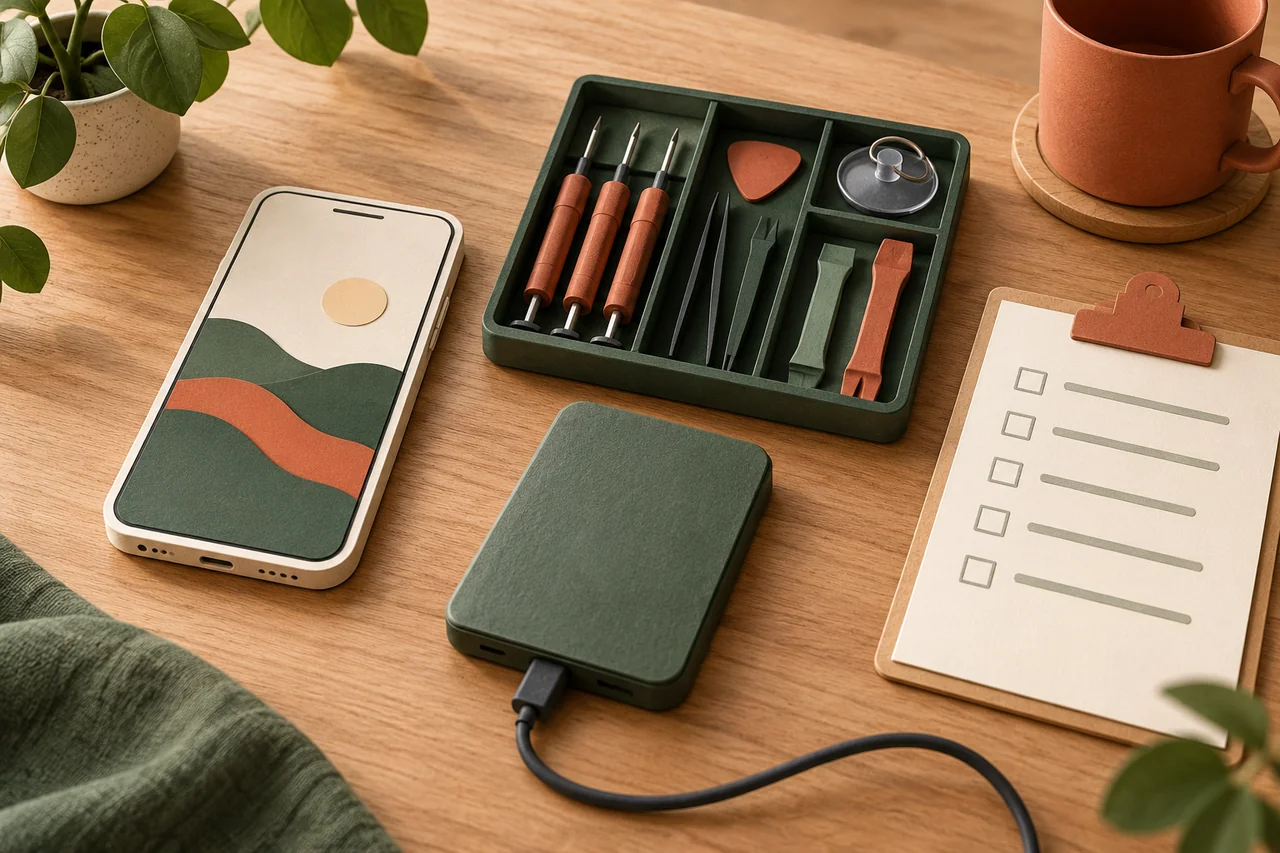
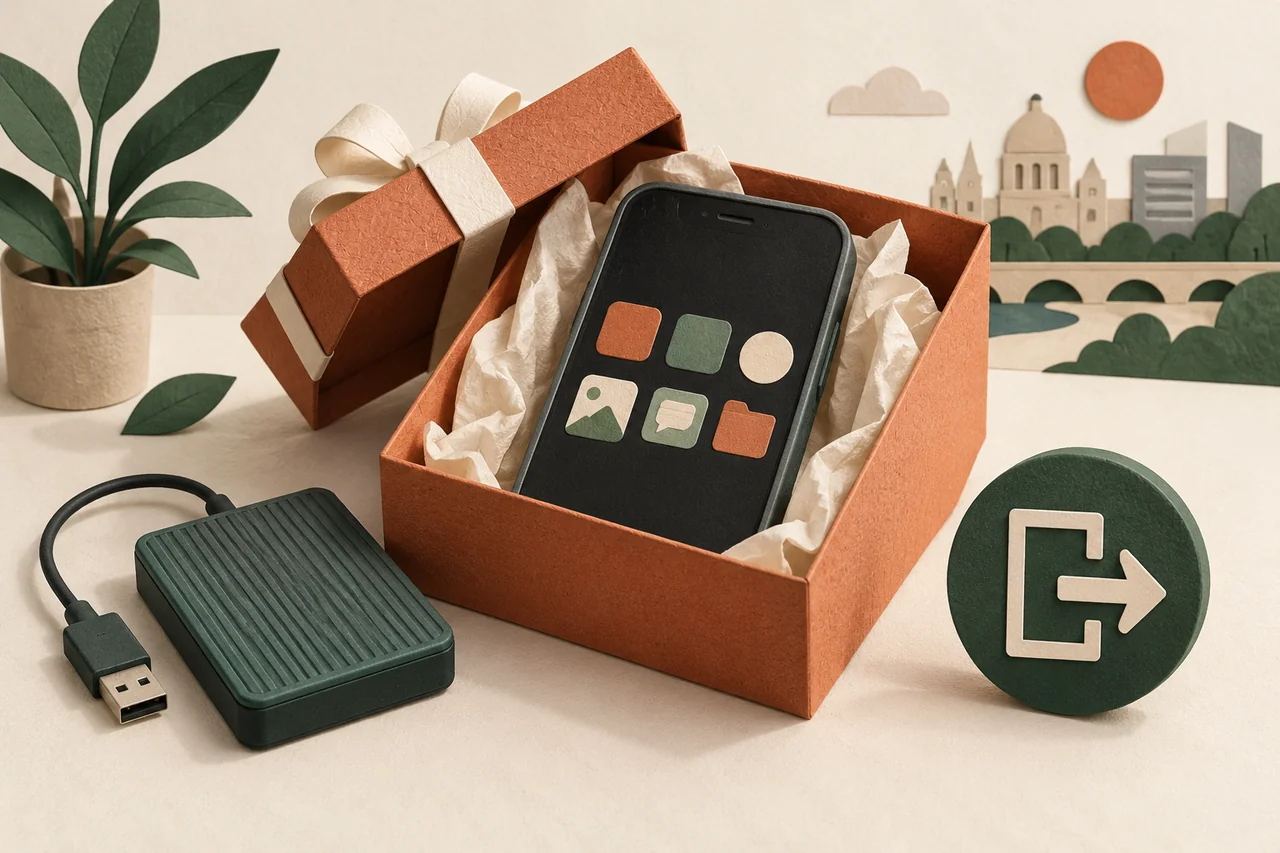
Fictional example: Robert is giving his phone to his sister. He can see photos on the new device but has not checked his sign-in verification app. He delays handover until essential logins work. A visible home screen does not prove that everything important transferred. Robert tests a short list of indispensable tasks and keeps his existing backup. Only then does he begin actions that change or erase the former phone. This sequence makes a forgotten dependency easier to fix while the working original is still available.
Check information and access separately
Review contacts, important messages, pictures, documents and apps with their own transfer rules. Open several files you genuinely need rather than comparing icon counts. Also test sign-in approval and recovery routes for your main accounts. Payment or transit cards may have special procedures; use the relevant provider guidance. Record unresolved tasks, not codes. Handover should wait if an essential function remains available only on the old phone and you have not established how to move it. Do not assume every application is included in a general device transfer.
Do not manually empty synchronised collections
When photos, contacts or documents sync with a cloud service, deleting them manually may affect other devices too. Apple explicitly describes this for content while signed into iCloud. Use the designated handover process instead of removing pictures individually. Check the backup and transferred material beforehand. Also distinguish signing an account out of a device from deleting the online account itself. You may intend to give away the hardware while keeping the account, its email address and content for your own continued use.
Resolve account ties and mobile service
Open the current manufacturer instructions for selling or giving away the device. Follow the specified order for paired equipment, account association and activation protection. Remove your physical SIM and memory cards where applicable. For eSIM, follow the supported device and mobile-provider transfer or removal process; do not destroy your only working service before the replacement is settled. The recipient should set up the phone with their own account rather than keep yours signed in. These instructions do not bypass ownership protection on somebody else’s device.
Erase deliberately and check handover readiness
Start the supported erasure only after the preceding checks. Read confirmation messages carefully and allow the process to finish. Use manufacturer guidance to verify that the next person can begin setup. Do not restore your private information onto it again during this check. Keep necessary purchase and handover records without sharing your secrets. If the device fails or erasure is uncertain, obtain qualified help before passing it on. A broken phone that may still hold information should not be described as fully cleared without verification.
Your checklist
The checkboxes are for your own reference. No entries are sent to us. To keep a copy, print the page or save it as a PDF using your browser menu.
Common questions
Is deleting my photographs enough?
No. Accounts, messages, apps and other content may remain. Synchronised deletion could also affect your other copies. Use the official handover procedure rather than removing one category at a time.
Can I leave my account signed in for my sister?
That mixes personal information and responsibilities. Prepare the device for her own account and use supported sharing features only where you intentionally want them.
What if my replacement is not ready?
Postpone final erasure. If important files or sign-ins remain available only on the old device, the handover has not yet been adequately prepared.
Sources and further information
Primary sources from public authorities, consumer organisations and providers. A source may be in another language; follow the guidance that applies to your service and where you live.
- Apple: Before selling or giving away a deviceSource review date:
- Google: Factory reset preparationSource review date:
- Google: Device protectionSource review date: