Which payment app works in which country?
Wero and Bizum run on your bank account: Bizum works inside your banking app, and Wero works there or, depending on your bank, in the separate Wero app linked to your account. Twint is offered through Swiss banks' apps or as a prepaid app. PayPal is a separate account you pay from. So the first question is always whether the other person uses the same service in the same country.
| Country | Main app options | Worth knowing |
|---|---|---|
| Germany | Wero in the banking app or the Wero app; PayPal; instant transfer | Wero pays by mobile number and, according to the provider, arrives in under 10 seconds, also at night and at weekends |
| Austria | Instant transfer from your banking app; PayPal | Wero is not listed as available in Austria yet |
| Switzerland | Twint | More than 6 million active users, according to Twint; EU rules on instant transfers do not apply |
| France | Wero; PayPal | Wero is also available in Belgium, and Luxembourg is moving from Payconiq to Wero |
| Italy | BANCOMAT Pay in the BANCOMAT app or your bank's app; PayPal | Linked with Bizum and MB Way through EuroPA; according to BANCOMAT, Intesa Sanpaolo Group customers can already exchange money with users in Spain, Portugal, Greece and Andorra |
| Spain | Bizum in your banking app; PayPal | 31.5 million active users, around 120,000 online shops; also used in Andorra |
If the other person is in a country where your app is not available, a euro instant transfer from your banking app is often the simplest route within the euro area.
What does sending money cost, and are there limits?
| Service | Fees for private users | Limits | If an online purchase goes wrong |
|---|---|---|---|
| Wero | No Wero fees; your bank may charge for some payments | 100 payments and 100 requests within seven days; maximum amount to send or pay: €100,000; your bank may set additional limits | Online payments cannot be cancelled once confirmed; ask the merchant for a refund |
| Twint | Sending and receiving money is free | Depend on your Twint app; merchant payments have separate limits | Check the shop's terms and ask your bank before larger purchases |
| Bizum | Not stated by Bizum; ask your bank | Separate limits for purchases and for payments between people | Payments cannot be cancelled in the app; contact the shop and your bank |
| PayPal | Check PayPal's fee page for your country, especially for payments abroad or with currency conversion | Not stated in the pages we checked | Buyer Protection for items not received or significantly not as described; deadlines in the country terms |
| Instant transfer (euro area) | No higher than a standard transfer since 9 January 2025 | Your bank's transfer limits | No special purchase protection; free payee name check since 9 October 2025 |
Under Regulation (EU) 2024/886, banks in euro-area countries have had to let customers send instant euro transfers since 9 October 2025. Since the same date, your bank must offer a free check of whether the payee's name matches the account number. Our guide on reading payee verification warnings explains the possible results. The regulation does not apply in Switzerland.
How are you protected when buying online or on a marketplace?
This is where the services differ most. PayPal offers Buyer Protection for purchases: it can apply when an item does not arrive or is significantly not as described. In PayPal's terms for France, Italy and Spain, a claim for an item not received must be opened within 180 days of the payment; for an item significantly not as described, within 30 days of delivery or 180 days of the payment, whichever comes first. Personal payments sent with the ‘Friends and Family’ option are explicitly excluded.
With Wero, an online payment cannot be cancelled once you have confirmed it. You ask the merchant for a refund; if the merchant refuses, you can report the problem from the payment details in the Wero app. Wero's refund help does not describe a buyer protection scheme like PayPal's. For Twint and Bizum, check with the shop and your bank what options you have before a larger purchase.
Tip: Wero's own advice for second-hand deals: buy on reputable marketplaces and stick to their messaging and payment tools. A seller who pushes you to pay by bank transfer outside the platform is a warning sign.
Which scams target payment apps?
Because money arrives instantly, fraudsters rely on time pressure and confusion. In April 2026, the Banco de España and the European Consumer Centre in Spain warned about two Bizum scams. The trick works with any app that lets people request money, and Wero and Twint both have a request function.
- Request instead of payment: a fake buyer on a classified-ads site sends you a money request rather than a payment. If you accept it, you think you are receiving money but you are actually sending it.
- Fake refund: someone claims to have sent you money by mistake and asks for it back. Many victims pay without checking whether anything arrived at all, and even real incoming money can come from a hijacked account.
- Fake support: emails, phone calls and even letters with a QR code pose as Twint or a bank and ask for login details or SMS codes. Twint says neither it nor its partner companies will ever ask you to share sensitive data such as your password.
The key rule comes from the Banco de España: receiving money requires no confirmation. Wero also points out that banks, government agencies and reputable companies will never request money through Wero. Our guide to reading approval requests in your banking app shows what to look for, and selling second-hand has its own pitfalls, covered in second-hand sales: no card codes for a supposed payment.
Fictional example: a shared dinner in Brussels and a bike for sale
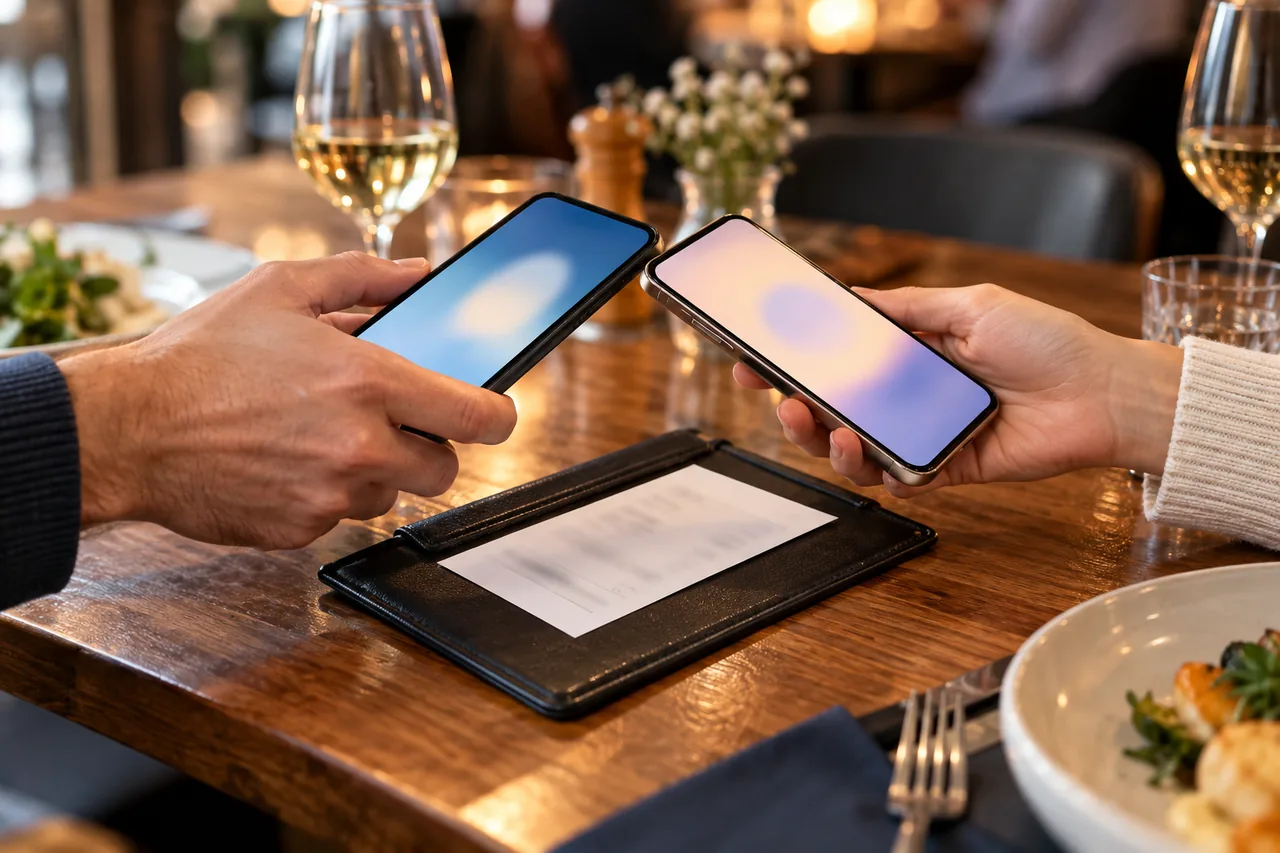
Fictional example: Liam, an Irish engineer living in Brussels, has dinner with three colleagues. He pays the whole bill by card. Two Belgian colleagues send their share with Wero from their banking apps. The third colleague still banks in Madrid and has Bizum, which Liam cannot receive. She uses an instant transfer instead, checks the result of the payee name check, and the money is in his account shortly afterwards.
A week later, Liam advertises his bike online. A buyer writes that she has already paid and Liam only needs to accept the payment in the app. What the app actually shows is a request to send €150. Liam declines, checks his balance in his banking app and ends the conversation.
What Liam gets right: he reads which direction the money is going before approving anything, and he trusts neither a chat message nor a screenshot, only his own account.
What should you do if money ends up in the wrong place?
- Sent to someone you know by mistake: ask them to pay it back. Twint suggests trying its money request function first.
- Paid a fraudster: contact your bank straight away, as Twint advises. Wero warns that money sent to a fraudster may not be recoverable. Report the fraud to the police and keep screenshots, phone numbers and times; in Spain, the Banco de España names the Policía Nacional and the Guardia Civil.
- Unexpected money arrived: do not send anything back until your bank has checked the payment.
- Lost phone: if you use Wero in your banking app, contact your bank. If you use the separate Wero app, you can use the chat on Wero's help site to have Wero removed from your device.
- Phishing in Switzerland: forward suspicious emails to abuse@twint.ch and reports@antiphishing.ch. Twint also advises reporting phishing websites to the Swiss federal cybersecurity office.
For detailed next steps, see money sent to a scammer: first steps with your bank and the police. Whether you are entitled to a refund depends on your individual case; a consumer advice centre or legal adviser can assess it.
Questions to ask before you pay
- Do you know the person, and could you call them if something goes wrong?
- Would you need protection if the item never arrives? Then avoid ‘Friends and Family’ and pay with a protected method or through the platform.
- Does the recipient use the same service in the same country, or is an instant transfer simpler?
- Is the amount within your bank's and the app's limits?
- Will a currency conversion add fees, for example when paying someone in Switzerland?
Common mistakes
- Accepting a money request because the other side says that is how you receive the payment.
- Choosing ‘Friends and Family’ to save fees when buying from a stranger, which removes Buyer Protection.
- Returning money that arrived unexpectedly before asking your bank to check it.
- Giving SMS codes, your PIN or login details to someone claiming to be support staff.
- Treating a screenshot as proof of payment instead of checking your own account.
Your checklist
The checkboxes are for your own reference. No entries are sent to us. To keep a copy, print the page or save it as a PDF using your browser menu.
Common questions
Is Wero free to use?
Wero does not charge fees for Wero payments, and the Wero app is free to download. Your bank may, however, charge for some payments, so check your account's price list. Depending on your bank, you use Wero inside your banking app or in the separate Wero app linked to your account. The list of participating banks on the Wero website shows whether yours takes part.
Which countries is Wero available in?
According to Wero, it is currently available in Belgium, France and Germany and plans to expand to more European countries. In Luxembourg, Payconiq users are being moved to Wero. Austria, Switzerland, Italy and Spain are not listed at the time of checking. In Spain, Bizum is linked with Italy's BANCOMAT and Portugal's MB Way for cross-border transfers.
Can I cancel a Wero, Twint or Bizum payment?
A confirmed online Wero payment cannot be cancelled; any refund comes from the merchant. According to the European Consumer Centre in Spain, Bizum payments cannot be cancelled in the app either. If you sent too much to someone you know, ask them to return it, for example with Twint's request function. If fraud is involved, contact your bank immediately.
Is PayPal ‘Friends and Family’ safe for buying second-hand?
It is not designed for that. PayPal explicitly excludes personal payments sent through ‘Friends and Family’ from Buyer Protection, so if the item never arrives, that scheme will not help you. When you pay for goods with Buyer Protection, the French, Italian and Spanish terms give you 180 days from the payment to open a claim for an item that never arrived. Insist on a protected method when buying from someone you do not know.
Sources and further information
Primary sources from public authorities, consumer organisations and providers. A source may be in another language; follow the guidance that applies to your service and where you live.
- Wero Help: Are there any transfer limits for Wero?Source review date:
- Wero Help: Can I cancel an online payment after it has been made?Source review date:
- Wero: website with countries and featuresSource review date:
- EUR-Lex: Regulation (EU) 2024/886 on instant credit transfers in euroSource review date:
- Banco de España: Bizum scams (in Spanish)Source review date:
- TWINT: Send and request moneySource review date:
- PayPal France: Buyer Protection (in French)Source review date:
- Bizum: home page with user figures (in Spanish)Source review date: