An example: two notifications on the same evening
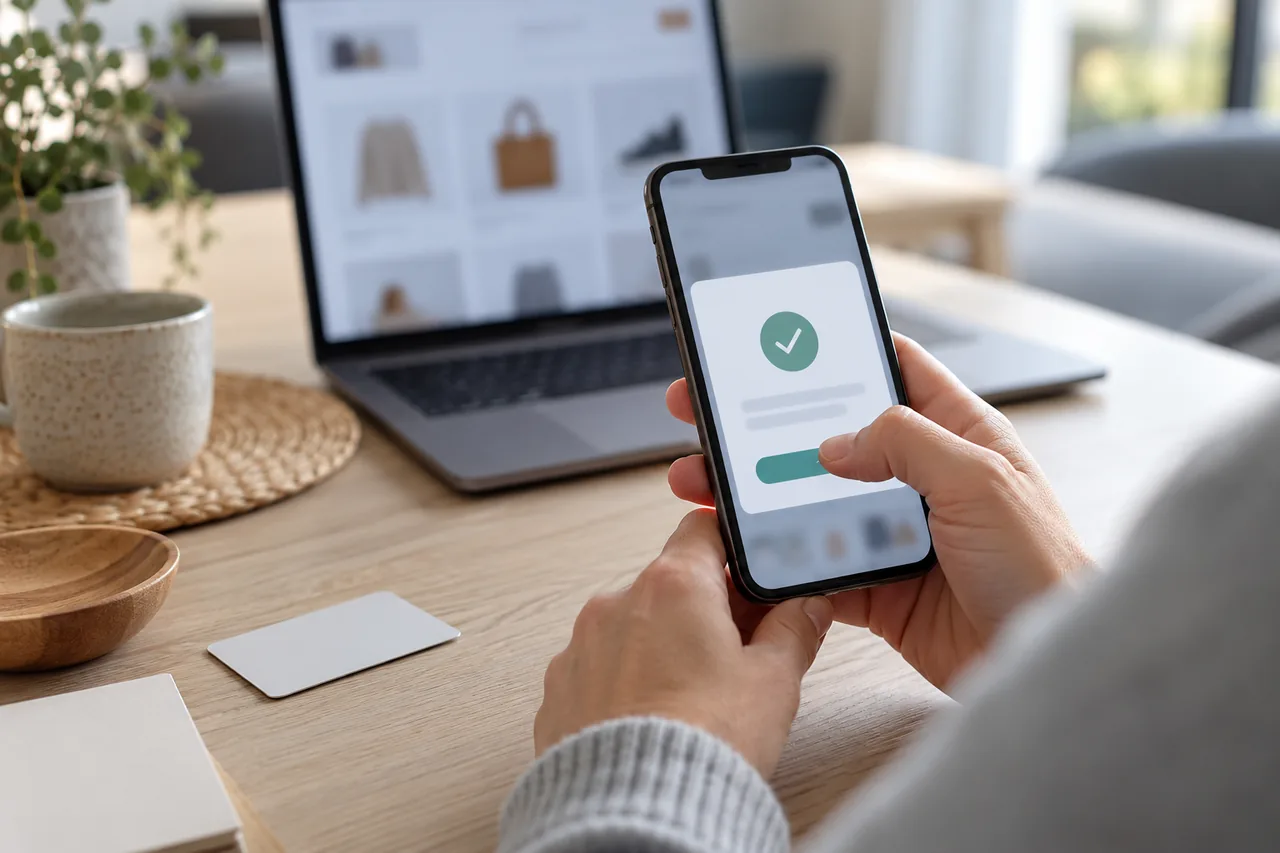
Fictional example: Daniel, an Irish engineer living in Munich, orders a €129.90 winter coat on his laptop. His banking app asks him to approve €129.90 to "Northside Fashion". It matches his basket, so he approves.
An hour later a man claiming to be from the bank's security team calls. He knows Daniel's name and reports a suspicious debit that Daniel can cancel with an approval. The notification arrives, and Daniel reads it carefully: transfer of €1,480.00 to "L. Hofer". Nothing about cancelling.
He declines, hangs up and rings the number on the back of his bank card. The bank did not call him. Because someone evidently knows his login details, he has his online access blocked and set up again.
What does an approval actually confirm?
Approvals in a banking app are part of strong customer authentication. Under the EU rules (Delegated Regulation (EU) 2018/389), you prove who you are with at least two independent elements: something you know (a PIN), something you have (your phone) or something you are (a fingerprint). It is also used when you access your payment account online, so a request may concern a login.
Since 14 September 2019, dynamic linking has applied to online payments, including in apps (Article 5 of the same regulation): you are shown the amount and the payee, the code behind your approval is specific to them, and any change invalidates it.
So the notification shows what you are signing. Whatever a caller says does not change the instruction. If it says transfer, it is a transfer.
What should you check before you tap?
| Item | Approve if… | Decline if… |
|---|---|---|
| Type of action | it matches what you are doing: paying, transferring or logging in | you started nothing, or the type does not match your plan |
| Amount | it is exactly the amount in your basket or transfer | it differs, even by a few euros or francs |
| Payee | the shop or person and, if shown, the IBAN are correct | an unknown name or an unfamiliar IBAN appears |
| Timing | the request arrives straight after your own action | it appears out of the blue or during a call |
| Circumstances | you are deciding calmly and on your own | someone is listening in, giving instructions or rushing you |
If something is missing or you are unsure, cancel.
Tip: When shopping online, keep the basket open until the request arrives, so you can compare amount and shop side by side.
For warnings shown when you send a transfer, see payee verification warnings.
How can you tell someone is pushing you to approve their transaction?
In this scam someone else starts a transaction with your login details and needs you to confirm it. Typical signs:
- An unexpected call, text or chat announces the notification.
- The approval is supposedly meant to stop, cancel or protect something.
- You are asked to read out a code or "just confirm quickly".
- The caller knows your name, bank or customer number. That does not prove they work for your bank.
- Your bank's number is displayed. Caller ID can be faked.
- You are asked to install an app or allow remote access.
France's national platform cybermalveillance.gouv.fr puts it plainly: never confirm a transaction you did not start, even if you are told it is to cancel it.
How to end such a call is covered in an unexpected call from your bank. If you have installed a remote support app, read you allowed unknown remote access.
Already approved? What matters now
- Call your bank straight away through a contact you know. Germany's IT security agency BSI notes that some account movements may still be reversible.
- Have your online access and cards blocked.
- Keep your statement, the time, the caller's number and messages.
- Report the fraud to the police.
Next steps are described in money sent to a scammer.
The law (as of 18 October 2026): under the EU Payment Services Directive (EU) 2015/2366 (recital 71), you should be liable for at most €50 for an unauthorised payment, and for nothing if you could not have become aware of the loss, theft or misuse of your payment instrument. This protection does not apply if you acted fraudulently or with gross negligence. Whether a deceived approval counts as unauthorised is decided case by case.
Where can you get help in six European countries?
| Country | First | Report and get help |
|---|---|---|
| Germany | Your bank; central blocking line 116 116 (+49 116 116 from abroad) | Police report; advice from a Verbraucherzentrale (consumer centre) |
| Austria | Your bank via its official number | Police report at a police station or via the police service number 059 133 (+43 59 133 from abroad) |
| Switzerland | Your bank: block e-banking, accounts and cards | Police report; reporting form of the National Cyber Security Centre (NCSC). Not in the EU: EU payment rules do not apply automatically |
| France | Your bank; card blocking via the bank's number or 0 892 705 705 (premium rate) | Perceval for card fraud; police or gendarmerie complaint; Info Escroqueries 0 805 805 817 |
| Italy | Your bank, straight away | Polizia Postale; complaint to the bank, then Banca d'Italia or the Arbitro Bancario Finanziario (ABF) |
| Spain | Your bank | INCIBE helpline 017; report to the Policía Nacional or Guardia Civil |
Common mistakes
- Looking only at the Approve button and skipping the text above it.
- Trusting a caller because they know your name or the bank's number is displayed.
- Believing an approval can stop a payment, secure an account or bring money back.
- Confirming an unexpected request just to make it go away.
- Waiting after a wrong approval instead of calling the bank at once.
Your checklist
The checkboxes are for your own reference. No entries are sent to us. To keep a copy, print the page or save it as a PDF using your browser menu.
Common questions
Would my bank call and ask me to confirm something in the app?
France's cybermalveillance.gouv.fr points out that a genuine adviser from your bank will never ask for your password. If a caller asks you to approve something, end the call and ring back on a number you looked up yourself, for example the one on your card. A displayed bank number proves nothing, as caller ID can be faked.
Is a fingerprint safer than tapping Approve?
Biometrics make sure that it is you giving the approval. They do not check whether the instruction is right. Someone who talks you into it on the phone does not need your finger, only your confirmation. So whatever the method, tap, password or biometrics, read the type, amount and payee first, then decide.
Will I get my money back if I approved it myself?
There is no general answer. The €50 limit applies to payments made without your permission; it does not apply if you acted fraudulently or with gross negligence. Whether a deceived approval counts as unauthorised is assessed case by case. Tell your bank immediately, keep evidence and seek independent advice if needed. Switzerland has its own rules.
Why do I get an approval request when I have done nothing?
Someone may be trying to sign in or pay with your details. Decline, even if the request keeps coming, and ignore links in messages arriving at the same time. Then open your banking app yourself, check your transactions and report it to your bank. Change your password from a device you trust.
Sources and further information
Primary sources from public authorities, consumer organisations and providers. A source may be in another language; follow the guidance that applies to your service and where you live.
- EUR-Lex: Commission Delegated Regulation (EU) 2018/389 on strong customer authenticationSource review date:
- EUR-Lex: Directive (EU) 2015/2366 on payment services in the internal market (PSD2)Source review date:
- BSI (Germany): Online banking – what to do in an emergency (in German)Source review date:
- Federal Criminal Police Office (Austria): Contact and emergency numbers (in German)Source review date:
- National Cyber Security Centre NCSC (Switzerland): Contacts and reporting formSource review date:
- Cybermalveillance.gouv.fr (France): Fake bank adviser fraud (in French)Source review date:
- Banca d'Italia (Italy): What to do if you have been the victim of scams or fraud (in Italian)Source review date:
- INCIBE (Spain): Cyber security helpline 017 (in Spanish)Source review date: