Interrupt the active connection
Fictional example: Emil receives an apparent support call and installs a remote access program. When asked to open online banking, he becomes suspicious. He ends the call and disconnects the computer, instead of debating the caller’s identity while access continues.
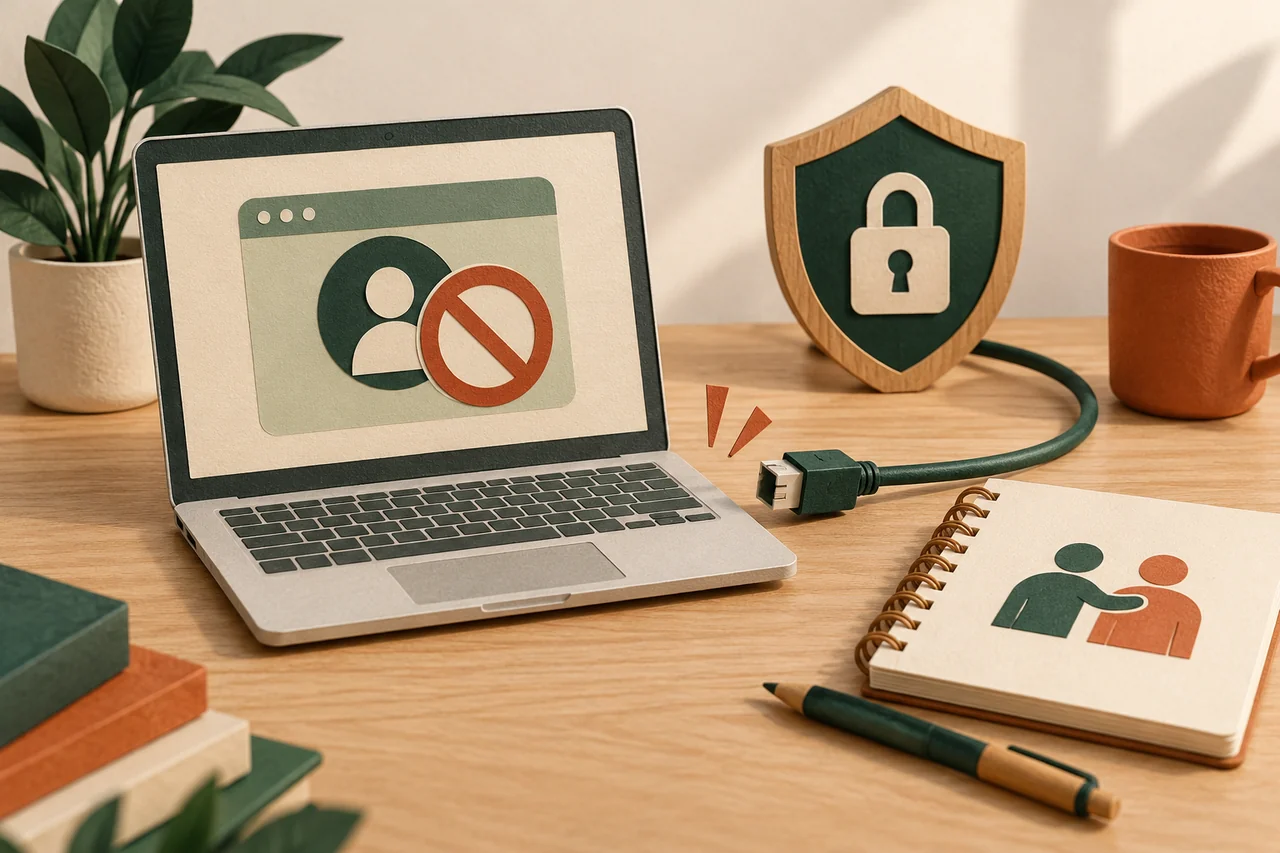
Disconnect Wi-Fi, network cables and any other active connection where relevant. If you cannot manage this, seek help using another device. Do not open further accounts while the stranger may still be watching the screen or controlling the computer.
Do more than close the visible window
Closing a window does not establish that every access route has ended. Depending on the software, background services or unattended access may have been configured. Installed applications, changed settings and possible additional downloads therefore need a proper review.
On a work device, immediately inform the responsible IT team and follow its procedure. For a personal device, choose a known technician reached independently. A phone number in the original warning, or a second technician introduced by the caller, is not an independent contact.
Secure accounts from a trusted device
List which accounts were open during the session and which passwords or codes you disclosed. Change affected credentials on another trusted device. Review active sessions and recovery details too, together with forwarding settings if an email account was involved.
Contact the bank or payment service promptly if financial access, card details or payment approvals may be affected. Explain that remote access occurred and describe observed actions. Do not move money into a supposedly safe account or approve a new payment to repair the alleged damage.
Have the device assessed appropriately
Record the remote program’s name, timing, visible actions and available messages. Do not open unknown files to discover what they do. A suitable technician can explain which investigation, cleaning or possible reinstallation is appropriate for the particular device and incident.
A scan or removal of one application can provide useful information, but does not always prove a completely clean system. Coordinate protection of important personal files with the person helping. Do not blindly copy programs or suspicious installers into a future restoration.
Plan follow-up and further contact attempts
Emil records his bank report and technical appointment. Until the situation is assessed, he performs sensitive tasks on another device. He stores evidence securely and informs affected people who share the computer without placing passwords in a group conversation.
Further callers may claim to offer refunds, represent police or perform an additional security check. Verify each contact independently. Where money was lost, also use your country’s official reporting routes. This guidance cannot guarantee complete technical remediation or recovery of lost funds.
Your checklist
The checkboxes are for your own reference. No entries are sent to us. To keep a copy, print the page or save it as a PDF using your browser menu.
Common questions
Is every remote support program dangerous?
No. These tools have legitimate uses. What matters is who initiated access, whether you independently know that person and which permissions were actually granted.
Is uninstalling the program sufficient?
Not reliably in every case. Additional settings, applications or information already captured may remain relevant. Have the actual sequence and device assessed.
Should I call the stranger again to demand my money?
Start with the genuine payment provider and official reporting channels. Further conversations with the suspicious contact can lead to additional demands or disclosure of more information.
Sources and further information
Primary sources from public authorities, consumer organisations and providers. A source may be in another language; follow the guidance that applies to your service and where you live.
- FTC: How To Spot, Avoid, and Report Tech Support ScamsSource review date:
- BACS: Gerät infiziert – Was nun?Source review date:
- BACS: Finanzieller SchadenSource review date: