Reach the genuine account independently
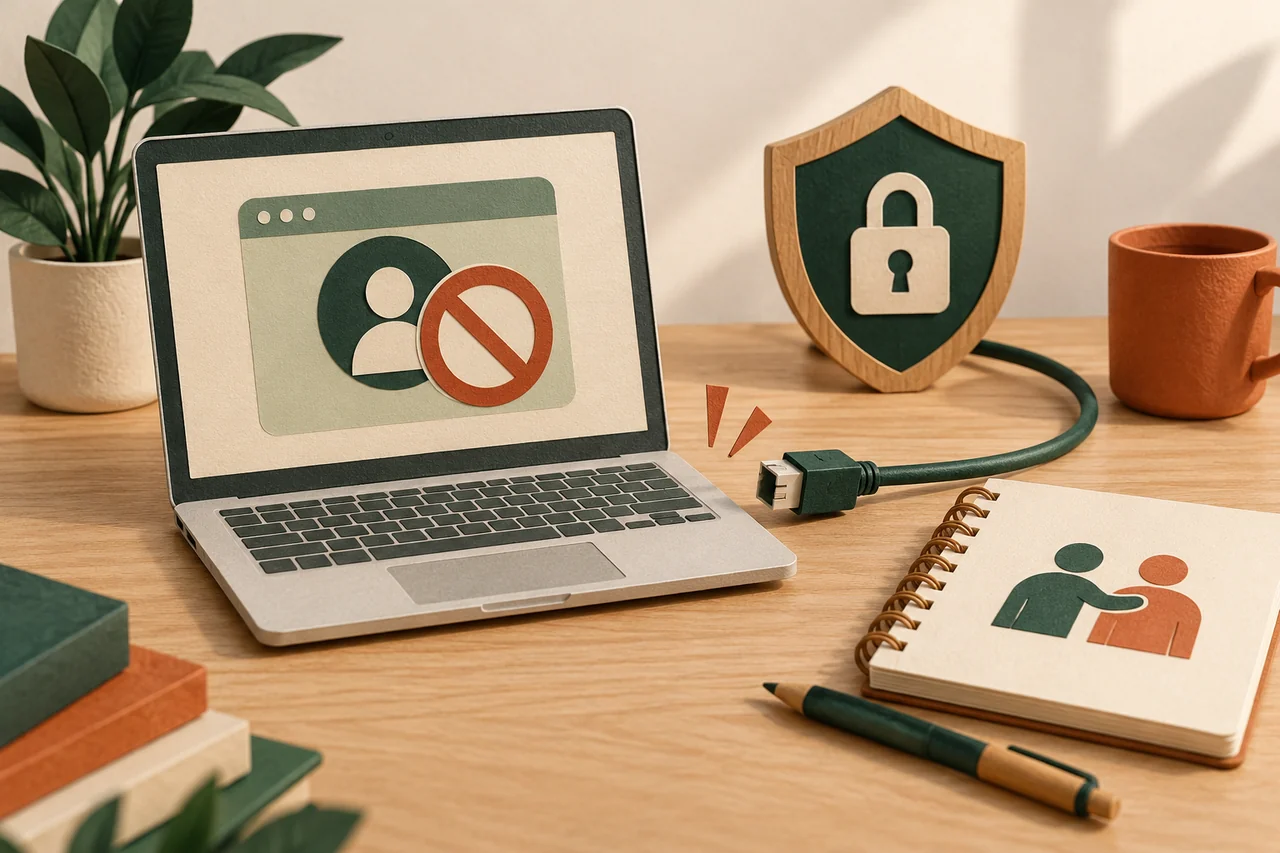
Fictional example: Nora entered her email password into a form linked from an apparent storage warning. She now opens her familiar mail app on a trusted device. She does not reuse the message link, even if it offers to cancel the original action.
With a phishing form, the immediate issue may be the stolen password. If an unfamiliar program also ran, the device needs assessment too; use another trusted device for account changes. Never provide a new verification code in the same suspicious conversation.
Change the password and review sessions
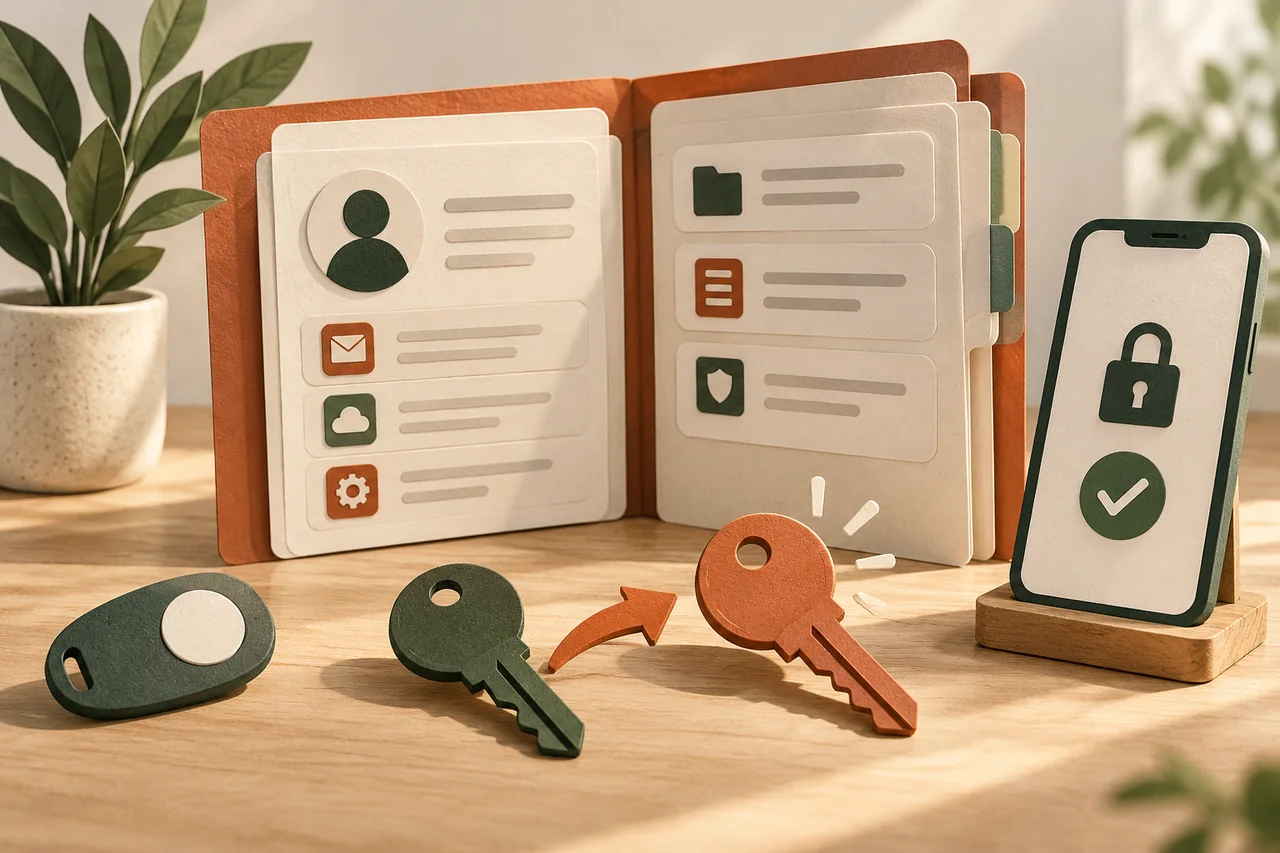
While you still have access, create a new, unique password in the official security settings. Store it safely, for example in your password manager. Review signed-in devices and active sessions, then terminate unfamiliar access or use the provider’s option to sign out other sessions.
Changing a password does not automatically end every session at every service. Check recovery email addresses, phone numbers and registered sign-in methods as well. Remove unauthorised changes through the official process, while retaining a reliable recovery route of your own.
Account for reused passwords and central services
The same password used elsewhere remains exposed after you change the first account. Make a short list of affected services and give each a different password. Prioritise central email accounts and services holding payment details or other sensitive information.
Nora’s mailbox can reset passwords at other services. She therefore checks for unexpected reset messages and sign-ins. She does not assume every connected account has been taken over. Instead, she follows concrete evidence first and records which checks remain unfinished.
Check additional access routes and mailbox rules
Enable a suitable additional sign-in factor where supported, and store recovery codes separately. In email accounts, review forwarding addresses, filtering rules and connected applications. An unauthorised forwarding rule may continue sharing messages after the password itself has changed.
If you also approved a one-time code, explicitly include that in the support report. An approval inside an app may matter too. Saying “only the password” would then omit a relevant action and could lead to an incomplete assessment of the incident.
Use official recovery and financial support
If you can no longer sign in, start recovery on the genuine provider website. Have previous contact details and existing case numbers ready, but submit identity documents only through the verified procedure. Strangers charging for guaranteed recovery are not a replacement for official support.
For banking or payment access, contact the provider promptly through known service channels. Record timing, possible approvals and the response received. Account recovery and financial reimbursement are not guaranteed. This article gives general orientation; the provider determines the specific security and recovery process.
Your checklist
The checkboxes are for your own reference. No entries are sent to us. To keep a copy, print the page or save it as a PDF using your browser menu.
Common questions
Is changing the password enough?
Not always. Existing sessions, unfamiliar recovery details or forwarding rules may require further action. Follow the individual provider’s account security review.
Should I warn every contact?
If suspicious messages were sent from your account, or such misuse is likely, warn affected contacts through another reliable channel. Do not include passwords or verification codes.
What if account recovery fails?
Keep the case reference and follow the available official support steps. Secure linked accounts you can still reach. Nobody outside the provider can guarantee successful recovery.
Sources and further information
Primary sources from public authorities, consumer organisations and providers. A source may be in another language; follow the guidance that applies to your service and where you live.
- BACS: Phishing, Vishing, SmishingSource review date:
- BACS: Konto gehackt oder Daten abgeflossen – Was nun?Source review date: