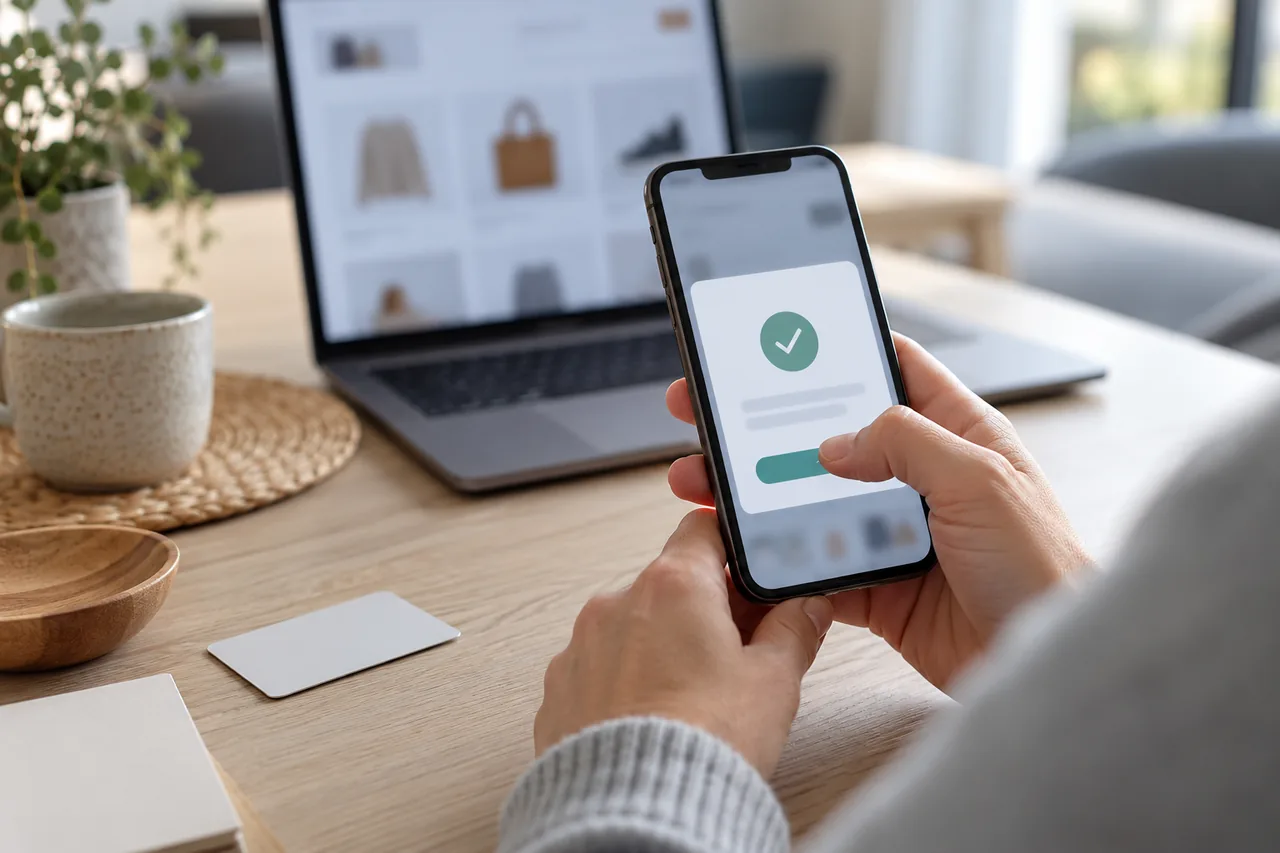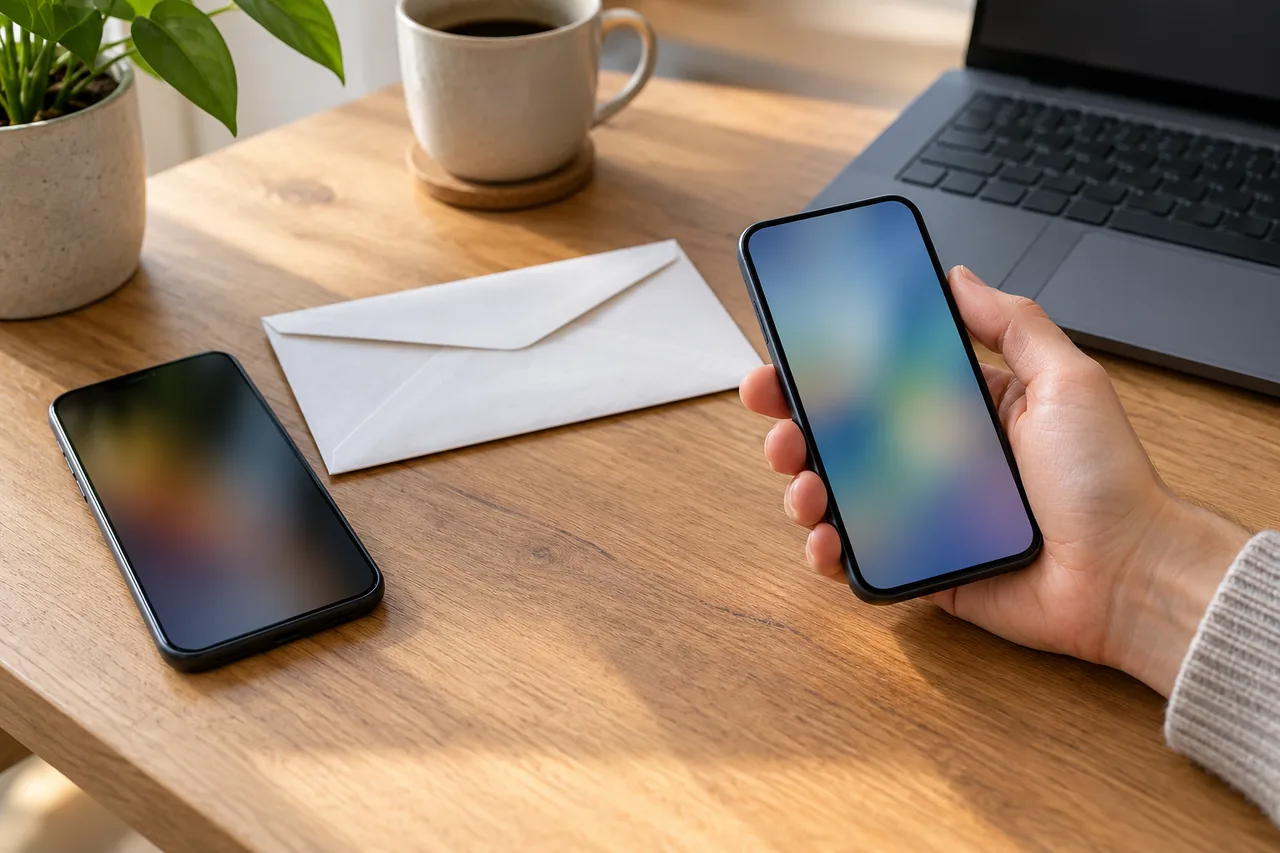
An example: Liam changes phones before a trip
Fictional example: Liam, an Irish engineer in Munich, gets a new phone ten days before flying home to Dublin. That evening he moves his photos and apps across but keeps the old phone in a drawer.
The next morning he reads his bank's device-change guide. With the working old phone he can confirm the new approval app; without it, he would need an activation password from a letter he can no longer find. Liam sets up the app, confirms it with the old phone and approves a small test transfer to his savings account. Only then does he wipe the old phone and give it to his niece.
Why doesn't the approval simply move across?
Since 14 September 2019, strong customer authentication has applied in the EU. Logging in and paying require two factors from the categories knowledge (such as a password), possession and inherence (such as a fingerprint). Your phone usually provides the possession factor. Austria's Financial Market Authority gives the example of an app on a mobile phone ‘registered with the bank’.
Commission Delegated Regulation (EU) 2018/389 requires that only you are associated with your security credentials and authentication devices. If that association happens remotely, it must itself use strong customer authentication, and re-activation follows the same procedures as the first set-up. A backup moves your content, but approvals often need a fresh identity check. According to the Swiss site ‘eBanking – aber sicher!’, this is frequently done with a QR code or an activation letter by post, which takes time.
| Country | Rules | Information | Note |
|---|---|---|---|
| Germany | EU Regulation 2018/389, since 14.09.2019 | BSI, BaFin, consumer advice centres | BSI recommends separate devices for banking and TANs |
| Austria | EU Regulation 2018/389, since 14.09.2019 | Financial Market Authority (FMA) | Banks choose their methods; the FMA checks that two-factor authentication happens |
| Switzerland | Not EU law; each bank has its own solutions | ‘eBanking – aber sicher!’ | New devices often need a QR code or letter |
| France | EU Regulation 2018/389 | ABE Info Service (Banque de France) | Banks must offer a solution without a smartphone at no extra cost |
| Italy | EU Regulation 2018/389 | Banca d'Italia | Your bank will never ask for your online banking credentials |
| Spain | EU Regulation 2018/389; Royal Decree-Law 19/2018 | Banco de España | Possession can be a card, a mobile device or a notification to your phone |
Which approval method do you use, and what is tied to your phone?
Your bank decides which methods it offers, and the names vary from bank to bank. Germany's Federal Office for Information Security (BSI) groups them as follows:
| Method | How it works | Tied to the phone? | When switching |
|---|---|---|---|
| App approval (pushTAN, app TAN) | An app shows the order; you approve by biometrics, a tap or a password | Yes, the app is registered with your bank | Set it up again following your bank's guide |
| photoTAN or QR-TAN via an app | The app reads a graphic on screen | Yes, if you use an app rather than a reader | Set the app up again following your bank's guide |
| chipTAN with a TAN generator | The generator creates the TAN using your bank card | No, it is not connected to the internet | Only reinstall the banking app |
| SMS TAN (mTAN) | The TAN arrives by text message | Yes, the text goes to your number | Move the SIM or eSIM first; many banks no longer offer it |
If you use the banking app and the approval app on the same phone, both have to move; a TAN generator is not affected. The BSI in any case recommends doing banking and TAN generation on separate devices.
What should you do before, on and after the switch?
An activation letter by post takes time, so start a few days ahead and avoid switching right before a trip or an important payment.
A few days before
- Read your bank's device-change guide: do you need the old phone, a letter or a QR code?
- Check your login details, such as user ID and PIN, and log in once as a test.
- Have your bank card and any activation letters ready; if something is missing, ask your bank now.
On the day
- Move your data to the new phone, but do not reset the old one.
- Install apps only from the official store or via your bank's website, see Install the right app: check the provider before downloading.
- Follow your bank's order of set-up; German savings banks (Sparkassen), for example, have you install pushTAN before their banking app.
- Turn on the screen lock and test an approval you started yourself.
Afterwards
- Uninstall the bank apps from the old phone. If your bank shows a list of registered devices, remove the old one there.
- Only now reset the old phone (steps below).
When can you wipe the old phone?
Only when approvals work reliably on the new device. ‘eBanking – aber sicher!’ advises keeping your old smartphone until the banking apps are set up on the new one.
iPhone (iOS 26 or later)
- Go to Settings › [your name], scroll down and tap ‘Sign Out’.
- Then go to Settings › General › Transfer or Reset iPhone › Erase All Content and Settings.
- Enter your device passcode if asked, then tap ‘Erase iPhone’.
- If asked about the eSIM, choose to erase the device and the eSIM profile. Then remove the old device from your list of trusted devices.
Menu path as given in the manufacturer’s help; it may differ by device and version: support.apple.com
Android (varies by manufacturer)
- Back up your data to your Google Account. Installed apps and their data are removed by a reset.
- Make sure you know your Google Account username and password and your screen lock PIN, pattern or password. If you recently reset your Google Account password, wait 24 hours.
- Charge the phone to at least 70% and connect it to Wi-Fi or your mobile network. A factory reset can take up to an hour.
- Reset the phone to factory settings through the Settings app. Your manufacturer's support site gives the exact menu names.
Menu path as given in the manufacturer’s help; it may differ by device and version: support.google.com
What else to check before passing a phone on: Handing over an old phone: back up, check, then sign out.
Old phone broken, lost or already wiped: what now?
Then the device you could have used to confirm the new one remotely is missing, and your bank needs another secure route. German savings banks use your card number and an activation password; other banks often use a QR code or an activation letter. The EU regulation lists the bank's premises among the secure environments for identity checks, so ask whether activation is possible at a branch, and plan to pay by card or cash meanwhile.
If the old phone was lost or stolen, Germany's BSI advises having your SIM card and access to your bank accounts blocked straight away. More in Lost your phone? Secure it and organise alternative access.
A message asks you to ‘re-register’: how do you spot a trap?
You start a change of device yourself. France's cybercrime assistance platform, cybermalveillance.gouv.fr, describes messages that cite the EU payment rules, urge you to activate a security feature, threaten to suspend your account and lead to fake bank pages.
- Your bank will never ask for the details you use for online banking, stresses the Banca d'Italia.
- Open online banking yourself through the app or a bookmark, never through a link in a message.
- Approve only actions you started yourself, never the set-up of a device that is not yours.
- If in doubt, call your bank on a number you already have.
How to read approval requests: Banking app approval request: read it before you confirm.
Common mistakes
- Resetting, selling or giving away the old phone before approvals work on the new one.
- Changing phones right before a trip or an important payment, although an activation letter takes time.
- Assuming that a backup or phone-to-phone transfer also moves your approval method.
- Not being able to find login details or activation letters because the app always remembered everything.
- Responding to a request to ‘re-register’ that you did not start yourself.
Your checklist
The checkboxes are for your own reference. No entries are sent to us. To keep a copy, print the page or save it as a PDF using your browser menu.
Common questions
Do I need a new activation letter for my new phone?
Not necessarily. With German savings banks, for example, you can switch using your working old phone and your online banking login details. Without it, you need your card number and the activation password that usually arrives by post when you first register. Other banks often use a QR code or an activation letter. Your bank's device-change guide tells you which applies.
I have already wiped my old phone. What now?
Contact your bank on a number from your documents or its website and ask how to activate a new phone without the old one. Depending on the bank, this may involve your card number and an activation password, an activation letter by post or a QR code. Until then, plan how you will pay without online banking, for example by card or cash.
Can I use online banking without a smartphone?
That depends on your bank. Germany's BSI describes chipTAN, where a TAN generator works with your bank card and is not connected to the internet. In France, ABE Info Service says banks must offer customers without a smartphone at least one other solution at no extra cost, such as an SMS code with a personal code or a physical device. Ask your bank before you switch.
Do the same rules apply in Switzerland?
No. EU law does not apply automatically in Switzerland, and each bank has its own IT solutions. The Swiss site ‘eBanking – aber sicher!’ notes that banks frequently ask you to re-confirm your identity on a new device, often with a QR code or activation letter. Keep your old smartphone until the banking apps are set up on the new one, and follow your bank's instructions.
Sources and further information
Primary sources from public authorities, consumer organisations and providers. A source may be in another language; follow the guidance that applies to your service and where you live.
- EUR-Lex: Commission Delegated Regulation (EU) 2018/389 on strong customer authenticationSource review date:
- eBanking – aber sicher! (Lucerne School of Information Technologies): Changing smartphones and your mobile banking appSource review date:
- BSI: TAN procedures (in German)Source review date:
- BSI: Mobile banking (in German)Source review date:
- FMA Austria: Strong customer authentication (in German)Source review date:
- ABE Info Service (Banque de France): What is strong authentication? (in French)Source review date:
- Banca d'Italia, L'economia per tutti: Online banking (in Italian)Source review date:
- Banco de España, Portal del Cliente Bancario: How authentic are your banking operations? (in Spanish)Source review date:
- Sparkasse: Setting up the apps on a new device (in German)Source review date:
- cybermalveillance.gouv.fr: Rise in banking phishing using PSD2 (in French)Source review date: