What does a robot vacuum record about your home?
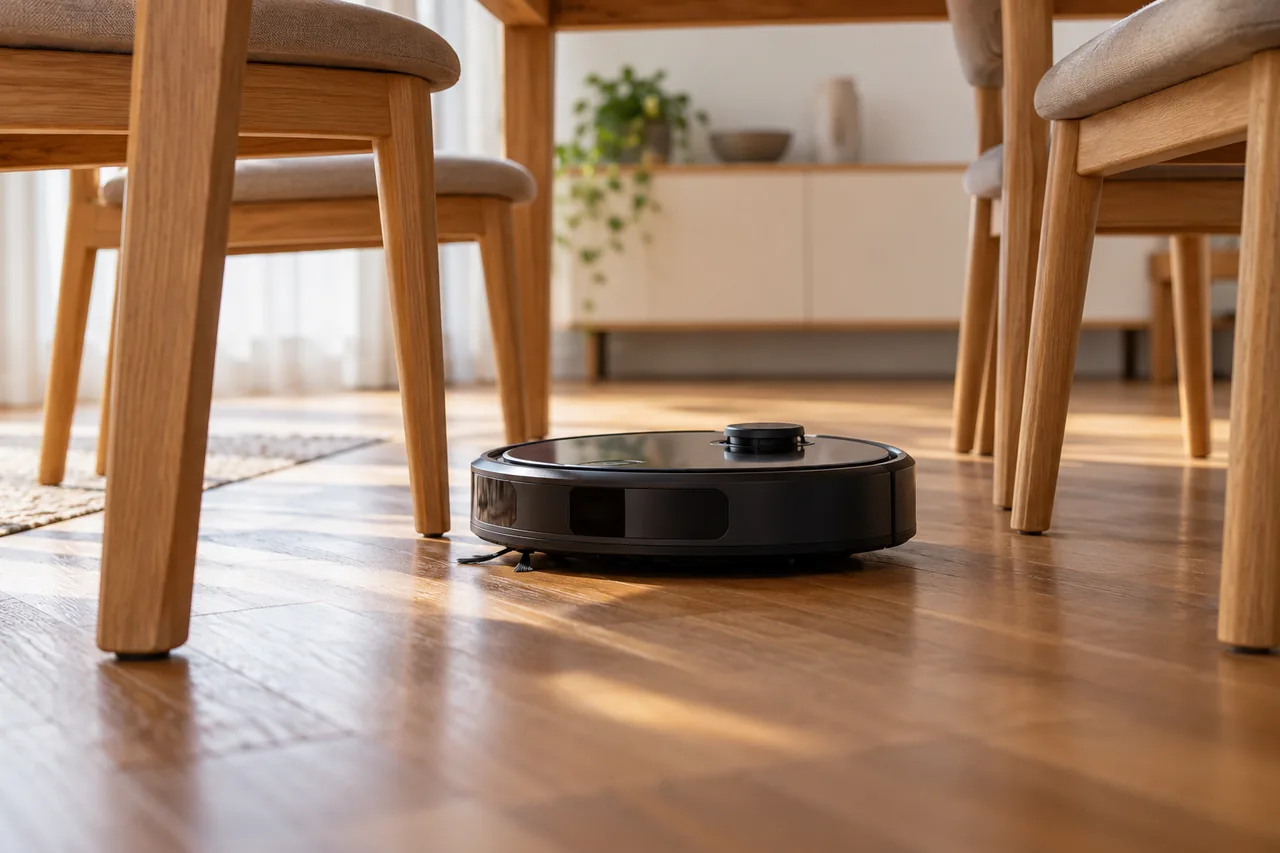
A robot vacuum finds its way with many sensors. According to Germany’s federal cyber security agency, the BSI, some devices use cameras to recognise objects and create a map of the floor area. This data is processed and partly stored, including in a cloud. Most devices connect to the internet and can be controlled by app or by voice.
The BSI also notes that a device combining 3D mapping with camera and microphone data can transmit data unintentionally and can be controlled from outside. A map with room names such as ‘nursery’ shows how your home is laid out. So it is worth setting the robot up deliberately.
An everyday example
Fictional example: Niamh in Dublin takes over her brother’s robot vacuum when he moves abroad. It is still linked to his account, together with the map of his old flat. A reset with the robot’s buttons alone would not change that, as the manufacturer’s help pages explain.
So her brother removes the robot from his account in the app, which also resets it. Niamh sets it up with her own account on her router’s guest network. She keeps the map for room cleaning but names the rooms ‘Room 1’ to ‘Room 4’, and leaves camera features she will never use switched off.
Where do you change map and camera settings?
Menus differ by brand and app version. The BSI’s general advice is to check the privacy settings and adapt them to your needs. The steps below use the iRobot Home App as an example, because the manufacturer documents them in its help centre.
iRobot Home App: switch off Mapping Features
- On the app’s home screen, open the ‘Accounts’ section.
- Select ‘Privacy’ › ‘Mapping Features’.
- Choose your robot.
- Select ‘Toggle Mapping Features’.
Menu path as given in the manufacturer’s help; it may differ by device and version: support.irobot.de
According to iRobot, the robot then stops sending spatial data to its servers. Schedules and favourites, time estimates, Directed Room Cleaning, targeted zone cleaning and Keep Out Zones are disabled as well. If you turn mapping back on, you have to create a new map from scratch. iRobot stores these maps in the cloud rather than in the app, so uninstalling the app alone does not remove them.
Other brands: what to look for
Other apps use different labels. Look for settings on privacy, maps, camera, microphone or remote control, and check for each feature whether it sends data to servers.
| Feature | What may be recorded | Your decision |
|---|---|---|
| Floor map | Layout of the floor area, stored in the cloud on some devices | Keep it if you use room cleaning or no-go zones; give rooms neutral names |
| Camera for object recognition | Camera data from inside your home | Check whether images leave the device; switch off image features you do not use |
| Microphone and voice control | Microphone data | Switch off if you start the robot by app or button anyway |
| App and cloud connection | Remote control, data on servers | The BSI says offline use is possible, often with fewer features and less convenience |
How do you keep the robot apart from your other devices?
If the robot needs a connection, the BSI recommends a guest network on your home Wi-Fi. Even a high-quality robot from a seemingly reputable manufacturer does not protect you, the BSI warns, if your home network is poorly secured. To check your router, see Check your home Wi-Fi: five questions for your router.
Keep your router, smartphone and the app up to date. If the app asks for a password, follow good password rules. When you are away for longer or not using the robot, switch it off and unplug it. The same thinking applies to your television: Set up a smart TV: adverts, tracking and updates.
What should you ask before buying?
The BSI suggests clarifying a few points before you buy:
- What data does the app collect, which permissions does it ask for, and where does the data go?
- Where are the cloud servers located, and which legal framework applies there?
- How long will the device receive software updates?
- Can the robot be used sensibly without a cloud connection?
| Date | What applies | What it means for robot vacuums |
|---|---|---|
| 1 August 2025 | Delegated Regulation (EU) 2022/30, start date postponed by Delegated Regulation (EU) 2023/2444 | Radio equipment that can communicate over the internet and process personal data must include safeguards for personal data and privacy |
| 11 September 2026 | Reporting obligations of the Cyber Resilience Act, Regulation (EU) 2024/2847 | Apply to manufacturers from this date |
| 11 December 2027 | Main obligations of the Cyber Resilience Act | Manufacturers must handle vulnerabilities during the lifecycle of their products; the Commission names household appliances among the products covered |
Switzerland is not an EU member, so these EU regulations do not apply there automatically.
How do you ask the manufacturer for your data or its deletion?
Under the GDPR you can ask the manufacturer for a copy of the personal data it holds about you, plus information on purposes, recipients and retention periods. France’s regulator CNIL explains that the company must reply within one month, extendable to three months for complex requests, and that access is free in principle.
You can also ask for deletion, for example if the data is no longer needed, if you withdraw your consent and there is no other legal basis, or if it was processed unlawfully. Spain’s AEPD points out that this right is not absolute, for instance where a legal obligation requires the data to be kept.
Look for the privacy contact in the app’s privacy policy, write by email and keep a copy. For example: ‘Hello, I use your robot vacuum with the account [your email address]. Please tell me which personal data you hold about me, explicitly including floor maps, photos and video recordings, where they are stored and who you share them with. Kind regards’
| Country | Legal basis | Authority | Good to know |
|---|---|---|---|
| Germany | GDPR | Data protection authority of the federal state | According to the federal commissioner BfDI, private companies are mostly supervised by the state authorities, with some exceptions |
| Austria | GDPR | Datenschutzbehörde (DSB) | Complaint free in principle, in German, within one year of becoming aware and at most three years after the event; attach a copy of your request to the company and any reply |
| Switzerland | Data Protection Act (DSG), not EU law | EDÖB; personal claims go to the civil courts | Information usually within 30 days and free in principle, exceptionally up to CHF 300; no court costs in disputes about access |
| France | GDPR | CNIL | If the company does not reply within one month and gives no extension, you can complain to the CNIL with proof of your request |
| Italy | GDPR | Garante per la protezione dei dati personali | Reply within one month, extendable by two months; a complaint (reclamo) is free |
| Spain | GDPR | AEPD | Offers an official form for requesting erasure from the company |
In a concrete dispute you may need individual advice; this guide cannot replace it.
What should you do before selling or giving the robot away?
Before you sell or give away the robot, remove it from your account so that the next owner starts with a clean device. With iRobot, the app does this in one go.
iRobot apps: reset the robot and remove it from your account
- Roomba Home app (new): select the robot and go to ‘Robot Settings’.
- Choose ‘About Roomba’, then ‘Factory Reset and Remove Robot’.
- iRobot HOME app (classic): open ‘Product Settings’ › ‘About (robot name)’ › ‘Remove Device from Account’.
Menu path as given in the manufacturer’s help; it may differ by device and version: support.irobot.co.uk
According to iRobot, resetting through the app removes the robot from the app and disassociates its saved data from the iRobot cloud. A reset using only the buttons on the robot keeps cloud data, app data and account associations intact.
If you no longer need the manufacturer account, close it; see Close an old account: check data and connections first.
Common mistakes
- Accepting every prompt during setup without reading what the map, camera and microphone are used for.
- Assuming the map disappears with the app: iRobot keeps maps in the cloud, so they survive uninstalling.
- Resetting the robot with its buttons only and then selling it, while it is still linked to your account.
- Running the robot on the same network as your laptop and network storage instead of a guest network.
- Not telling family, flatmates or a cleaner that the robot has a camera.
Your checklist
The checkboxes are for your own reference. No entries are sent to us. To keep a copy, print the page or save it as a PDF using your browser menu.
Common questions
Can I use a robot vacuum without the app or internet?
The BSI says offline use is possible, but it often comes with limits on features and convenience. How much you lose depends on the model. Before buying, check whether the robot starts without an account and which functions remain. With a robot you already own, try a cleaning run without Wi-Fi.
Does deleting the app delete my floor map?
Not with iRobot. The manufacturer says Smart Maps are stored in the cloud, not in the app, so they remain after you uninstall it. Only a reset through the app disassociates the data from the cloud. Other brands may handle this differently, so ask the manufacturer where your map is stored.
How long does the manufacturer have to answer my request?
In the EU, a company must reply without undue delay and within one month at the latest. For complex or numerous requests it can extend this by two months, but must tell you within the first month. In Switzerland, the EDÖB says information is usually given within 30 days. Keep a copy of your request.
How do I know how long my robot will get updates?
The BSI advises checking before you buy how long software updates will be available for the device. Look for it in the product details or ask the manufacturer in writing. From 11 December 2027, the main obligations of the EU Cyber Resilience Act apply, and manufacturers must then handle vulnerabilities during the lifecycle of their products.
Sources and further information
Primary sources from public authorities, consumer organisations and providers. A source may be in another language; follow the guidance that applies to your service and where you live.
- BSI: Using robot vacuums securely (German)Source review date:
- BfDI: Data subject rights (German)Source review date:
- EUR-Lex: Delegated Regulation (EU) 2022/30 on radio equipmentSource review date:
- EUR-Lex: Delegated Regulation (EU) 2023/2444 on the date of applicationSource review date:
- European Commission: Cyber Resilience ActSource review date:
- CNIL: The right of access (French)Source review date:
- EDÖB: Frequently asked questions on data protection (German)Source review date:
- Garante privacy: How to protect your personal data (Italian)Source review date:
- AEPD: Right to erasure (Spanish)Source review date:
- Austrian Data Protection Authority: Complaints (German)Source review date: