What is Matter, and what can it not do?
Matter is an open smart home standard from the Connectivity Standards Alliance (CSA), an industry association. It defines how devices from different brands talk to each other. According to the CSA, most major smart home platforms support Matter, so you usually do not have to give up the app you already use.
Matter is not a wireless technology in itself. It runs on existing networks: Bluetooth Low Energy for setting a device up, and Wi-Fi, Thread or Ethernet for everyday use. Control happens locally on your home network. The CSA states that Matter data is encrypted and that every device has a unique identity.
Matter does not replace the platform you already use; it connects devices to it. How well your data is protected still depends on the device maker and the platform provider, as the CSA itself points out. The logo alone tells you nothing about what data an app collects.
Device types the CSA lists include:
- Lighting and electrical, such as bulbs, switches and smart plugs
- Door locks
- Heating, ventilation and air conditioning controls
- Safety and security sensors
- Blinds, shades and other window coverings
- Media devices, bridges and controllers
Tip: According to the CSA, only certified devices carry the Matter logo. Look for that mark on the box rather than vague claims such as ‘works with’ or ‘compatible’.
Which connection type gives you what?
When you start, one question matters most: what else do you need for a device to work? The table summarises information from the standards bodies and from Germany's Federal Office for Information Security (BSI).
| Connection | Role in Matter | What else you need | Worth knowing |
|---|---|---|---|
| Wi-Fi | Everyday use, for tasks that move a lot of data | Your Wi-Fi router | The device sits directly on your home network; a separate Wi-Fi network keeps it apart from your computer. |
| Thread | Everyday use, for low-data devices such as door locks and motion sensors | A Thread border router | Low-power mesh network; according to the Thread Group, battery sensors can last for years. If one device fails, data takes another route. |
| Ethernet | Everyday use by cable | A free network port | The BSI advises keeping network sockets out of reach of strangers. |
| Bluetooth LE | Setup only | A smartphone or hub with Bluetooth | After setup, Wi-Fi, Thread or Ethernet takes over. |
| Zigbee | Not a Matter connection | A bridge that brings Zigbee devices into your Matter setup | Zigbee devices do not talk directly to Matter devices. |
In a mesh network, devices pass data on to each other instead of each one talking to a central hub. Thread links its devices to the rest of your network through a border router. The Thread Group describes this as a function rather than a separate device: manufacturers can build it into other products, some Wi-Fi routers have Thread built in, and you can add further border routers to the same network.
Which hub do you need?
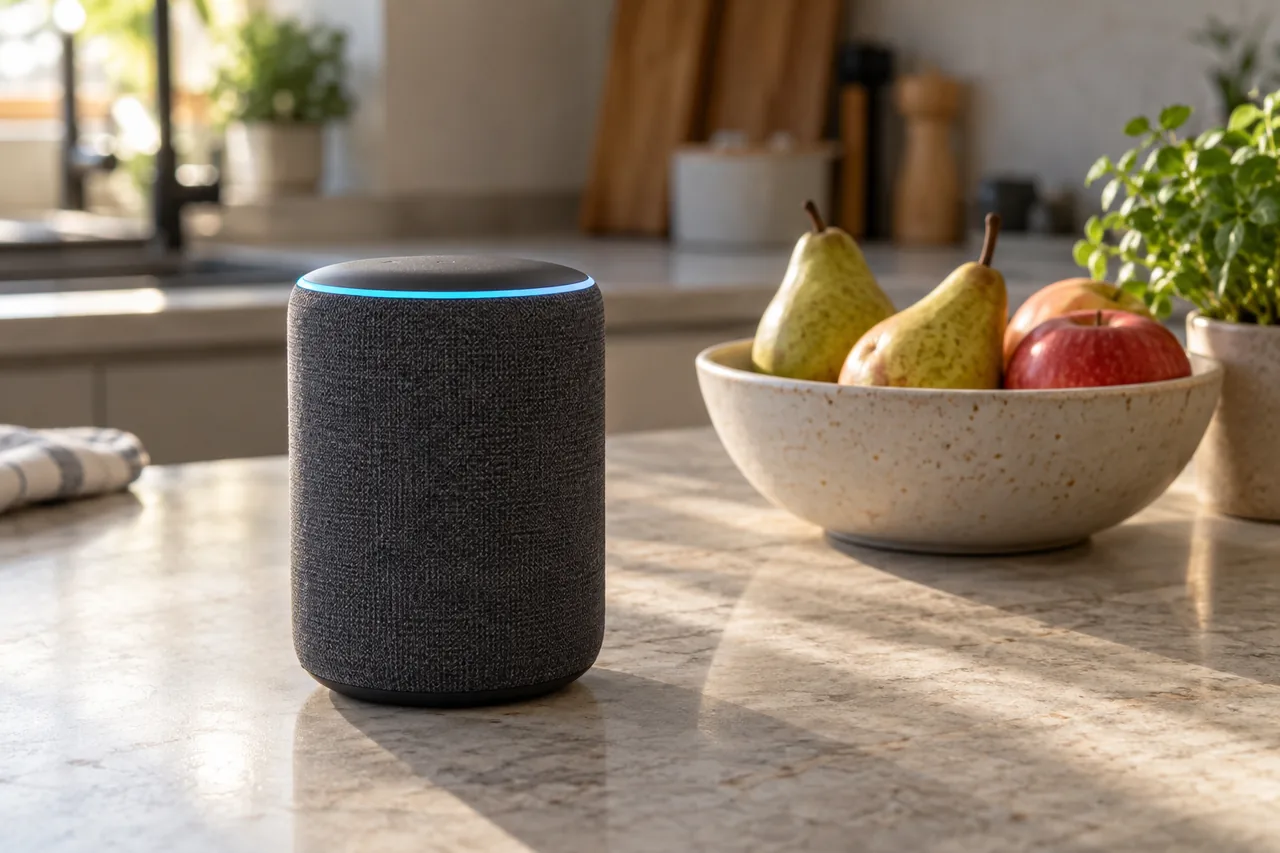
The hub, also called a controller, is the device you use to add devices, set up routines and give commands. According to the CSA, most controllers offer an app or a web interface for this. If you want to control Matter devices while you are out, you need a controller at home with an internet connection, such as a smart speaker or a hub. According to the CSA, some Matter devices also have a direct connection to the internet.
The BSI recommends connecting your smart home to the internet only if you really need remote access. Schedules and scenes, for blinds or lights for example, can be stored locally. Some hubs can even block internet traffic altogether.
Five questions before you choose
- Which app or voice assistant does your household already use? If you already have an AI assistant, see AI voice assistant at home for costs and data.
- Do you need remote access, or is control at home enough?
- Will you add Thread devices? Then check the product details of your hub to see whether it works as a Thread border router.
- Do you already own Zigbee devices? Then find out whether your bridge supports Matter or whether an update has been announced.
- Will several people control things from different apps? Then look out for multi-admin.
What does a sensible start look like?
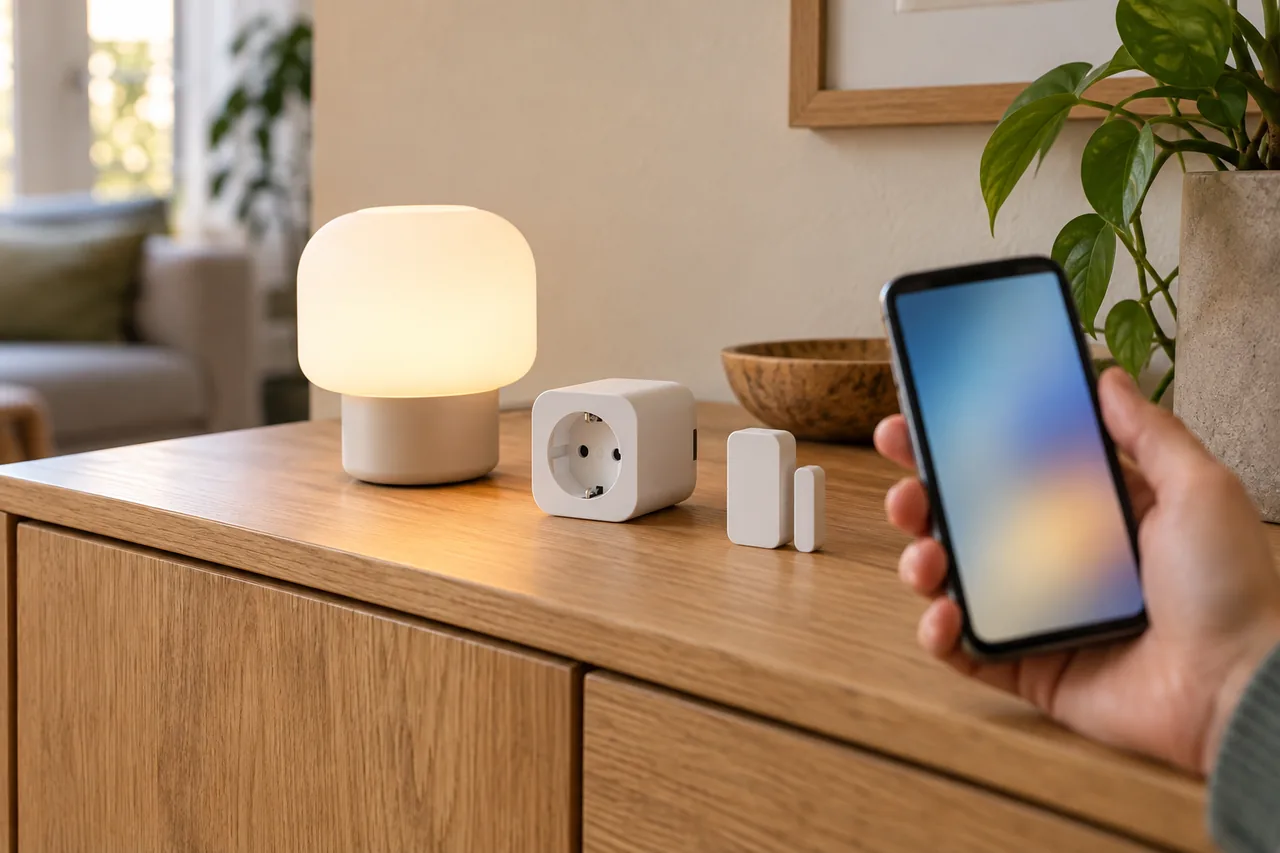
Fictional example: Aoife and Marek move into a rented flat in Cork. From their old place they bring two Zigbee bulbs and the bridge that runs them. They now want a smart plug for the floor lamp and a window sensor for the bathroom. Instead of grabbing a bundle offer, they first decide that the smart speaker in the kitchen will be their hub.
Its product details say it acts as a Thread border router. So they choose a battery-powered window sensor with Matter over Thread and a smart plug with Matter over Wi-Fi. On the website of their bridge's maker they check whether the bridge supports Matter. Marek uses a different app from Aoife; with multi-admin he adds the smart plug to his app as well.
The order that works: hub first, then connection type, then the individual device. The brand of the smart plug matters least.
How do you set up Matter devices securely?
- Prepare your home network. Many routers offer a separate Wi-Fi network for smart devices. If yours only has a guest network, the BSI advises using it exclusively for these devices and not sharing its password.
- Protect your Wi-Fi with a password of at least 20 characters, as the BSI recommends. Secure your smart home app account with its own password and, where available, two-factor authentication.
- Scan the device's QR code or type in the numeric setup code in your hub's app or the manufacturer's app. Some devices can also be added by tapping them with NFC.
- Turn on automatic updates wherever the device or app offers them.
- Check whether UPnP is switched on in your router and turn it off, so devices cannot talk to the internet unchecked. Keep the router's firewall switched on.
- If you need access while you are out, the BSI names a VPN, which builds a secure tunnel from your smartphone into your home network.
For a step-by-step look at your router and Wi-Fi, see Checking your home Wi-Fi.
Tip: Ask the BSI's questions about every device: which sensors does it have, such as a camera or microphone? What data does it record, where is it stored, and is it shared?
What does multi-admin do, and how does your setup stay expandable?
With multi-admin you connect one Matter device to several platforms at the same time and decide which of them may access it. A household can then use different apps or voice assistants without buying devices twice.
According to the CSA, many existing smart home products can get Matter through a software update. Whether a particular device does depends on its hardware and on whether the manufacturer releases the update. So buy for what a device can do today, not for an update you hope will come.
Matter and Zigbee do not work together directly. Older Zigbee devices remain usable, though, if a bridge brings them into your Matter setup. If a device no longer receives any security updates, the BSI advises replacing it.
To fit updates into your routine without falling for fake pop-ups, see Doing updates safely.
What does the Cyber Resilience Act change about updates?
The BSI advises checking before you buy that the manufacturer will supply updates for the expected period of use. The Cyber Resilience Act (CRA), Regulation (EU) 2024/2847, will help here. It covers products with digital elements, from baby monitors to household appliances. According to the European Commission, it tackles the lack of timely security updates and requires devices and software to be designed, updated and maintained in a way that protects users.
| Date | What applies |
|---|---|
| 10 December 2024 | The regulation entered into force. |
| 11 September 2026 | Manufacturers must report actively exploited vulnerabilities and severe security incidents: an early warning within 24 hours and a notification within 72 hours. |
| 11 December 2027 | The main obligations apply. Products then carry the CE marking to show that they meet the CRA requirements. |
| Country | CRA | Note |
|---|---|---|
| Germany, Austria | Applies directly as an EU regulation | In Germany, the BSI publishes smart home security advice for consumers. |
| France, Italy, Spain | Applies directly as an EU regulation | Same dates across the EU; national market surveillance authorities enforce the rules. |
| Switzerland | Does not apply automatically, as Switzerland is not an EU member | On 20 August 2025 the Swiss Federal Council commissioned a bill on the cyber resilience of digital products that will take the CRA into account. Ask the shop or manufacturer how long security updates are promised. |
The CRA places its duties mainly on manufacturers, not on you. For devices you buy before 11 December 2027, your own question about the update commitment therefore matters all the more.
Common mistakes
- Buying devices because they are on offer before deciding which hub will control them.
- Buying a Thread sensor without checking whether there is a Thread border router at home.
- Assuming Zigbee devices can join a Matter setup directly, without a bridge.
- Leaving remote access and UPnP switched on even though schedules would run locally.
- Relying on a promised Matter update instead of buying for today's features and the update commitment.
Your checklist
The checkboxes are for your own reference. No entries are sent to us. To keep a copy, print the page or save it as a PDF using your browser menu.
Common questions
Does Matter work without the internet?
In principle, yes. According to the CSA, control runs locally on your home network. Bulbs, plugs and sensors can therefore keep working when your internet connection drops, as long as your hub is running. You need the internet for remote access while you are out and for some extra features.
Do I need a bridge for Matter?
Not for Matter devices themselves. You need a bridge to bring devices that use another standard, such as Zigbee, into your Matter setup, because Zigbee and Matter do not work together directly. For Matter over Thread you need a Thread border router instead, a function that manufacturers can build into other devices such as some Wi-Fi routers. Check the product details of your hub and router.
Can I use one Matter device with several apps?
Yes, that is what multi-admin is for. You connect a device to several platforms and decide which of them may access it. This helps when a household uses different smartphones or voice assistants. Remove a platform from the device once nobody uses it any more.
Will my older smart home devices get Matter through an update?
Some will. The CSA says many existing products can be upgraded to Matter with a software update. Whether yours is one of them depends on its hardware and on whether the manufacturer publishes the update. Check the manufacturer's help pages. If nothing has been announced, plan with what the device does today or use a bridge.
Sources and further information
Primary sources from public authorities, consumer organisations and providers. A source may be in another language; follow the guidance that applies to your service and where you live.
- Connectivity Standards Alliance: Matter FAQSource review date:
- Thread Group: Thread and border router FAQSource review date:
- Thread Group: Thread overviewSource review date:
- BSI (Germany): Setting up a smart home securely (in German)Source review date:
- European Commission: Cyber Resilience ActSource review date:
- European Commission: CRA reporting obligationsSource review date:
- Swiss Federal Council: Federal Council to strengthen cyber resilience of digital products (20 August 2025)Source review date: