Where does your fitness watch data go?
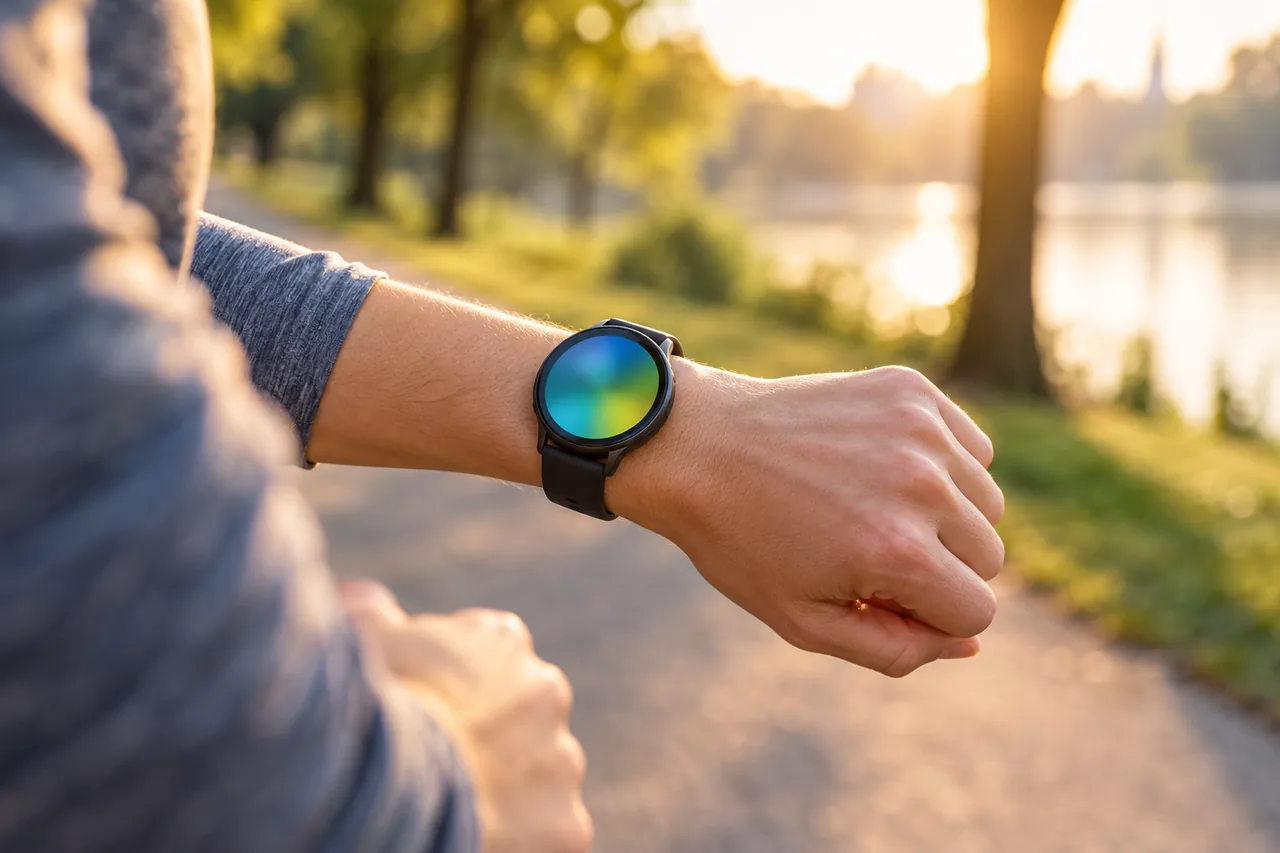
A fitness watch sends its readings via Bluetooth to the manufacturer's app on your phone. From there they can reach your account with the manufacturer and your phone's health platform: the Health app on iPhone, Health Connect on Android. Any app you give access there can read that data or add its own.
According to Google, Health Connect is a database stored on your device. Apple says Health information is encrypted while it is stored in iCloud and as it moves between iCloud and your device. End-to-end encryption requires iOS 12 or later and two-factor authentication. To choose that extra protection, see SMS, app or passkey: which second factor suits you?.
| Stop | What arrives there | Where you control it |
|---|---|---|
| Manufacturer app and account | Watch readings, your profile | App settings: privacy, connected services, visibility |
| iPhone: Health app | Data from the watch and apps | Health › Profile › Privacy › Apps |
| Android: Health Connect | Data from the watch and apps, stored on the device | Health Connect › App permissions |
| Other apps, such as an insurer's | Only the categories you allow, plus what you enter there | Permission in Health or Health Connect, and in the app itself |
Why is health data specially protected?
Under the General Data Protection Regulation (GDPR), data concerning health is sensitive data. The European Commission explains that processing it is prohibited as a general rule, with exceptions, for example when you have given explicit consent. Consent must be freely given, specific, informed and unambiguous, and you have the right to withdraw it at any time.
In Switzerland, EU law does not apply automatically; Swiss data protection law applies, overseen by the Federal Data Protection and Information Commissioner (FDPIC). Either way, every category you allow an app to read is a decision you can revisit.
iPhone: which apps get data from the Health app?
In the Health app you decide, app by app, which health categories each one receives.
iPhone: choose which apps get Health data
- Open the Health app and tap the Profile button.
- Under Privacy, tap Apps to see your apps that are compatible with Health.
- Tap an app and leave on only the health categories you want that app to track.
- For a single data type: tap the Browse tab, tap a category and a subcategory, scroll down, then tap Data Sources & Access.
- Tap Edit, tap the tick next to a third-party data source to turn it off, then tap Done.
Menu path as given in the manufacturer’s help; it may differ by device and version: support.apple.com
Tip: If your Health data syncs over iCloud, deleting data on one device also removes it from every other device signed in to the same iCloud account, Apple warns.
Android: how do you review permissions in Health Connect?
On Android, Health Connect is the central store. Menus may look slightly different depending on the phone manufacturer.
Android: open Health Connect
- Android 14 and up: Settings › Security and privacy › Privacy Controls › Health Connect.
- Android 13 and lower: download the Health Connect app from the Play Store, then go to Settings › Apps › All apps › Health Connect › Open.
Menu path as given in the manufacturer’s help; it may differ by device and version: support.google.com
Android: change app permissions in Health Connect
- Under Permissions and data, tap App permissions and select the app.
- Turn Allow all off, or turn off read and write permissions for specific data types only.
- For every app at once: select Remove access for all apps at the bottom.
Menu path as given in the manufacturer’s help; it may differ by device and version: support.google.com
Important: Google points out that when you remove data permissions, you do not remove the stored data. If you no longer use an app, delete its data too. Data an app has already copied to its own account must be deleted there or by asking the provider.
Android: delete one app's data in Health Connect
- Under Permissions and data, choose App permissions and tap the app.
- At the bottom, tap Delete app data and select a time period.
- Tap Next, then Delete.
Menu path as given in the manufacturer’s help; it may differ by device and version: support.google.com
What should you set in the manufacturer's app?
The manufacturer's app has its own settings that neither Health nor Health Connect controls. Labels differ by brand; look for privacy, connected services or partners, and visibility.
- Connected services: disconnect apps you no longer use.
- Visibility: set activities, routes and profile to private. Italy's data protection authority, the Garante, warns that published usual routes can reveal when you are away from home.
- Connections: Germany's BSI recommends enabling the watch's interfaces to other devices only when essential and disabling them again afterwards.
- Updates: install them immediately and recheck permissions, as every update could alter them (BSI).
- Access: use a PIN on the watch if offered, and two-factor authentication for the account.
France's CNIL suggests switching off automatic data sharing when you link a connected device to social networks. To check what else the app may do on your phone, such as location or contacts, see Does this app need your contacts? Reviewing permissions. For a child's watch, read Smartwatch and tracker for your child: location yes, listening in no.
Insurer or reward scheme: what are you really sharing?
Some insurers and fitness offers reward activity when you link their app to your watch or health platform. Through Health or Health Connect, such an app gets only the categories you allow, plus what you enter in the app itself. Spain's data protection authority, the AEPD, has pointed to the risk that insurers could access such data when policies are taken out.
- If the scheme only counts steps, share only steps, not heart rate, sleep or weight.
- Read the privacy notice: what the provider uses the data for and who receives it.
- Find out beforehand what happens to your data if you leave.
You can withdraw consent at any time: remove the permission and ask the provider to erase data already sent. In Switzerland, the FDPIC notes that revoking consent does not automatically lead to deletion, so ask explicitly. If you are unsure whether a scheme suits you or what your contract allows, get individual advice.
What rights do you have against manufacturers and apps?
In the EU, you can ask the manufacturer and any app for access. According to the European Commission, the copy is free of charge and the reply is due without undue delay, at the latest within one month. You can ask for erasure when data is no longer needed or processed unlawfully, though the right is not absolute. Where processing is based on consent or a contract, you can have your data transferred to another provider in a machine-readable format.
The EU Data Act has applied since 12 September 2025. Users of connected products can access, use and port the data they co-generate and share it with a third party. The Commission lists health monitoring devices among its examples; data holders must provide the data for free.
| Country | Legal framework | Where to turn | Good to know |
|---|---|---|---|
| EU, all member states | GDPR; Data Act since 12 Sep 2025 | Data protection authority in your country | Informs you of progress or outcome within 3 months |
| Germany | GDPR; Data Act | Competent data protection supervisory authority | BSI publishes security tips for wearables |
| Austria | GDPR; Data Act | Österreichische Datenschutzbehörde | Complaint forms on the authority's website |
| France | GDPR; Data Act | CNIL | Advises switching off automatic sharing with social networks |
| Italy | GDPR; Data Act | Garante per la protezione dei dati personali | Guide on fitness trackers and apps |
| Spain | GDPR; Data Act | AEPD | Points to possible insurer access to such data |
| Switzerland | Swiss data protection law, not EU law | FDPIC; civil court | Access usually within 30 days, in principle free of charge |
If a provider in the EU does not respond, you can complain to a data protection authority, which informs you of the progress or outcome within three months, according to the Commission. In Switzerland, too, the FDPIC notes that the right to erasure is not absolute.
An example: Niamh tidies up her permissions
Fictional example: Niamh in Cork has used a fitness watch with an Android phone for two years. Under App permissions in Health Connect she finds five apps, among them a running app unused for a year and her insurer's reward app set to Allow all.
Niamh removes all permissions from the running app, deletes its data with Delete app data and closes her account there. The reward app may now read steps only, as the scheme only counts steps. In the manufacturer's app she sets her routes to private, since most start at her front door. She will check the list again after the next major update.
Common mistakes
- Tapping Allow all during setup and never looking at the list again.
- Assuming that removing a permission also removes the data.
- Sharing public running routes that always start at your front door.
- Leaving old accounts and connections in place after changing watch or app.
- Giving a reward app every category when the scheme only counts steps.
Your checklist
The checkboxes are for your own reference. No entries are sent to us. To keep a copy, print the page or save it as a PDF using your browser menu.
Common questions
Does my insurer automatically see my fitness watch data?
Through Health or Health Connect, an insurer's app can only read the categories you allow. Check the app list for insurance or reward apps and the data they receive, and switch off what the scheme does not need. Also check the connected services in the watch manufacturer's app. You can withdraw consent at any time. For questions about your contract, get individual advice, for example from a consumer organisation.
Does removing a permission delete my health data?
No. Google states that removing data permissions in Health Connect does not remove the stored data. Delete it there with Delete app data. Anything an app has already copied to its own account has to be deleted in that app or by asking the provider to erase it.
Can I get all stored data from my watch's manufacturer?
In the EU you have a right of access and a free copy, with a reply due within one month at the latest. Since 12 September 2025 the Data Act also gives you access to data generated by using connected products. In Switzerland, access is usually given within 30 days and in principle free of charge.
How often should I review my permissions?
The BSI recommends rechecking permissions after every update, because updates can change them. Also look again when you connect a new app, change your watch or leave a reward scheme. A fixed reminder in your calendar helps you spot forgotten connections before they pile up.
Sources and further information
Primary sources from public authorities, consumer organisations and providers. A source may be in another language; follow the guidance that applies to your service and where you live.
- European Commission: Information for individualsSource review date:
- European Commission: Data Act explainedSource review date:
- BSI: Using wearables safelySource review date:
- FDPIC (Switzerland): FAQ on data protectionSource review date:
- Garante per la protezione dei dati personali: Fitness tracker devices and apps (in Italian)Source review date:
- CNIL: Objets connectés, n'oubliez pas de les sécuriser (in French)Source review date:
- AEPD: IoT (II), from the Internet of Things to the Internet of Bodies (in Spanish)Source review date:
- Österreichische Datenschutzbehörde: Complaint (in German)Source review date:
- Apple Support: Manage Health data on your iPhone, iPad or Apple WatchSource review date:
- Android Help: Manage connected apps in Health ConnectSource review date: