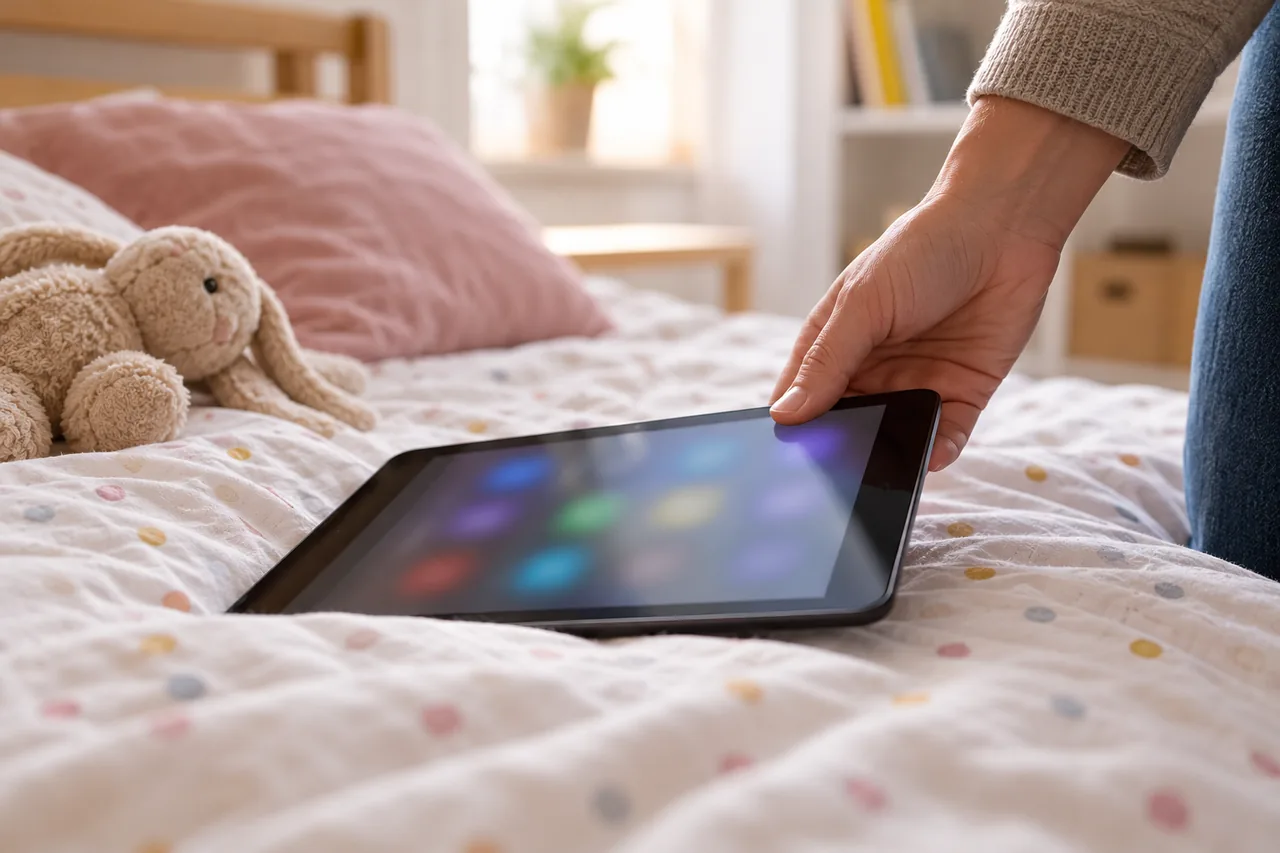
An example: the dinosaur game on the family tablet
Fictional example: Aoife in Galway lends her Android tablet to her seven-year-old son for a long car journey. That evening she finds two emails from Google Play: a weekly subscription to a dinosaur game for €5.99 and a bundle of coins for €4.99. Her son thought the buttons were part of the game.
Because less than 48 hours have passed, Aoife opens her order history on play.google.com and reports a problem for both orders, explaining that her child bought them by mistake. She also cancels the subscription in the Google Play app so that no further week is charged. Afterwards she sets purchase verification to always and agrees with her son that in-game purchases need her yes first.
Where do you cancel a subscription billed by Apple or Google?
What matters is who bills you. If the receipt comes from Apple or Google Play, you manage the subscription in the store's subscription settings, not with the app maker. Subscriptions you took out on a provider's website are cancelled there, as explained in Cancel a subscription online: buttons and rules in six countries.
Uninstalling the app is not enough: Google's help says that uninstalling does not cancel your subscription. After cancelling, you can still use it for the time you have already paid for. Apple asks you to cancel a free trial at least 24 hours before it ends; for more on trials, see Before starting a free trial: price, duration and a reminder.
iPhone or iPad (billed by Apple)
- In Settings, tap your name.
- Tap Subscriptions.
- Tap the subscription.
- Tap Cancel Subscription.
Menu path as given in the manufacturer’s help; it may differ by device and version: support.apple.com
Android (billed by Google Play)
- On your Android device, go to subscriptions on Google Play.
- Select the subscription that you want to cancel.
- Tap Cancel subscription.
- Follow the instructions.
Menu path as given in the manufacturer’s help; it may differ by device and version: support.google.com
Tip: If there is no Cancel button or you see an expiry message in red text, Apple says the subscription has already been cancelled. If a subscription is billed to a family member's Apple Account, that person has to cancel it.
How do you request a refund from Apple?
Apple handles refunds for apps, subscriptions and in-app purchases on reportaproblem.apple.com.
Apple: request a refund
- Sign in to reportaproblem.apple.com.
- Tap or click I'd like to, then choose Request a refund.
- Choose the reason why you want a refund, then choose Next.
- Choose the app, subscription or other item, then choose Submit.
Menu path as given in the manufacturer’s help; it may differ by device and version: support.apple.com
Expect an update on your request within 24 to 48 hours; if Apple approves it, the money may take longer to reach your payment method. If you are the family organiser in Family Sharing, you can also request refunds for a family member's purchases: tap or click the Apple Account button, then choose All.
The right of withdrawal in Apple's terms
Apple's Media Services Terms for Ireland (last updated 14 September 2026) let you cancel an order within 14 days of receiving your receipt without giving a reason. You do this in your Apple Account under Purchase History: select the order, then Withdraw Transaction. You can also send a clear statement, for example the model form, to rightofwithdrawal@apple.com.
According to the terms, subscription services can only be cancelled this way following the initial subscription. The right does not apply to content whose delivery started at your request after you acknowledged that you would lose it.
How do you request a refund from Google Play?
With Google Play, timing matters. Google says it may refund some purchases, depending on its refund policies. If more than 48 hours have passed since the purchase, Google refers you to the app developer, who can grant refunds under their own policies.
Google Play: request a refund (website)
- Go to play.google.com.
- At the top right, click your profile picture.
- Click Payments and subscriptions, then Budget and order history.
- For the order that you want to return, click Report a problem.
- Select the option that describes your situation, complete the form and note that you'd like a refund.
- Click Submit.
Menu path as given in the manufacturer’s help; it may differ by device and version: support.google.com
You will usually get a decision within one day, but it can take up to four days.
Special rules in the EEA and the UK
Google has separate refund policies for the European Economic Area (EEA) and the UK. For digital content, including a subscription to digital content within an app, Google says you agree to immediate availability when you buy and thereby waive your statutory right of withdrawal; a refund is then only possible if the content is defective, unavailable or does not perform as stated. For digital services, there is a 14-day right of withdrawal from the purchase, followed by the same restriction. You can still cancel, effective from the start of the next payment period.
When does the 14-day right of withdrawal help?
Under EU rules you can generally cancel an online purchase within 14 days without giving a reason; for services, the period runs from the day the contract was agreed. Your Europe, the EU's information portal, lists the exceptions: online digital content once you have expressly agreed to lose your right of withdrawal by starting the performance, and services fully delivered after you agreed to an immediate start.
Germany's European Consumer Centre explains that for digital content the right only lapses early if the download or streaming has started, you expressly agreed and you confirmed that you lose the right. The trader must also confirm this on a durable medium, such as an email. If one condition is missing, the right does not lapse early.
Sample wording for a withdrawal or refund request
Adapt the text and send it through the store's route or to the developer: “Hello, I hereby withdraw from the contract for the subscription [app and subscription name], concluded on [date] with the account [email address], order number [as on the receipt]. Please refund [amount] to the original payment method and confirm receipt of this message. If my minor child made this purchase without my consent: I do not approve this contract. Kind regards”
What if your child bought something without permission?
Google says that if a friend or family member made a purchase with your account by accident, you should request a refund rather than report an unauthorised charge. Charges that nobody you know made are reported as unauthorised within 120 days of the transaction. If you share your account or payment details with someone else, or do not protect your account with authentication, Google says it usually cannot issue a refund.
Google Play: require verification for every purchase
- Open the Google Play app and tap your profile picture at the top right.
- Tap Payments and subscriptions, then Purchase verification.
- Choose Verification frequency and select Always (default setting).
- Confirm the change.
Menu path as given in the manufacturer’s help; it may differ by device and version: support.google.com
For apps or games designed for ages 12 and under, Google Play always requires verification for every purchase anyway. According to the Stiftung für Konsumentenschutz, family groups at Apple and Google can require approval for purchases, but this does little if your child knows your password. More on device rules for children: First smartphone for your child: age, ground rules and settings.
What applies in your country?
In EU countries the withdrawal rules come from EU law, implemented in national law. Switzerland is not in the EU: according to the Swiss federal portal ch.ch, the same rules apply online as in a shop, without a statutory right of return.
| Country | Withdrawal from digital purchases | Help and advice | Note |
|---|---|---|---|
| Germany | 14 days under EU law; lapses for digital content only with your consent and the trader's confirmation | Verbraucherzentralen, European Consumer Centre Germany | Apple's terms: immediate cancellation with a pro rata refund; Google lists partial refunds |
| Austria | Withdrawal under the FAGG; exceptions in section 18 (version in force since 20 July 2022) | Arbeiterkammer | Google's EEA refund rules apply |
| Switzerland | No statutory right of withdrawal; Apple's Swiss terms have no 14-day withdrawal | Stiftung für Konsumentenschutz | Google's EEA and UK rules do not apply; act within 48 hours |
| France | 14 days under EU law; same exceptions for digital content | SignalConso, consumer mediator, ECC France | Google lists partial refunds for subscriptions |
| Italy | 14 days under EU law; same exceptions for digital content | European Consumer Centre Italy | Google's EEA refund rules apply |
| Spain | 14 days under EU law; same exceptions for digital content | European Consumer Centre Spain, regional consumer services | Google's EEA refund rules apply |
Disputes with Apple often cross borders, as its terms name Apple Distribution International Ltd. in Ireland for withdrawals. According to the French government, the European Consumer Centre in your country helps free of charge with traders in the EU, Norway, Iceland or the UK.
Switzerland: refunds without a withdrawal right
Apple's terms for Switzerland (as of 15 September 2025) contain no 14-day withdrawal right, but you can still request a refund at reportaproblem.apple.com. Google's special rules apply only in the EEA and the UK, so the 48-hour window matters even more. For purchases by children, the Stiftung für Konsumentenschutz refers to Article 19 of the Swiss Civil Code: purchases paid with a child's own pocket money are generally binding; for more, the parents' consent is needed.
This guide does not replace individual legal advice; for refused refunds of larger amounts, contact a consumer advice service. And before reacting to an email that announces a refund, read A refund is announced: genuine repayment or a misleading message?
Common mistakes
- Deleting the app and assuming the subscription has ended.
- Trying to cancel with the app maker although Apple or Google Play bills the subscription.
- Letting the 48 hours at Google Play pass and only reacting days later.
- Reporting a family member's accidental purchase as fraud instead of requesting a refund.
- Accepting repeated charges for a child's purchases instead of acting straight away.
Your checklist
The checkboxes are for your own reference. No entries are sent to us. To keep a copy, print the page or save it as a PDF using your browser menu.
Common questions
Do I get money back if I cancel a subscription mid-month?
Usually not: a cancelled subscription at Apple or Google Play runs until the end of the period you have paid for. There are exceptions: Apple's terms for Germany provide for immediate cancellation with a pro rata refund, and Google lists partial refunds for subscriptions in Germany and France. If you live there, ask Apple Support or mention it in your Google refund request.
How long do I have to request a refund from Apple?
Apple's help page on refund requests does not state a fixed deadline. For the right of withdrawal, Apple's EU terms give you 14 days from receiving your receipt. Even so, act quickly while the receipts are easy to find. After you submit a request, you will usually get an update within 24 to 48 hours.
What can I do if more than 48 hours have passed at Google Play?
Then Google says the app developer is your contact, who can grant refunds under their own policies. Give the order number, date and amount. If your express consent or the trader's confirmation was missing when you bought, your EU right of withdrawal has not lapsed early. A consumer advice service can help if you disagree.
Sources and further information
Primary sources from public authorities, consumer organisations and providers. A source may be in another language; follow the guidance that applies to your service and where you live.
- Apple Support: Request a refund for apps or content you've bought from AppleSource review date:
- Apple: Media Services Terms and Conditions (Ireland)Source review date:
- Google Play Help: Learn about Google Play refund policiesSource review date:
- Google Play Help: Apps, games and in-app purchases (including subscriptions) refund policies in EEA countries and the UKSource review date:
- Your Europe: Returns and the right of withdrawalSource review date:
- European Consumer Centre Germany: Right of withdrawal for digital content and services (German)Source review date:
- French Ministry for the Economy: Online purchases, six tips in case of a dispute (French)Source review date:
- Apple: Media Services Terms (Switzerland, German)Source review date:
- Stiftung für Konsumentenschutz: Preventing in-game purchases by children (German)Source review date:
- ch.ch: Returning or exchanging items in the store or onlineSource review date: