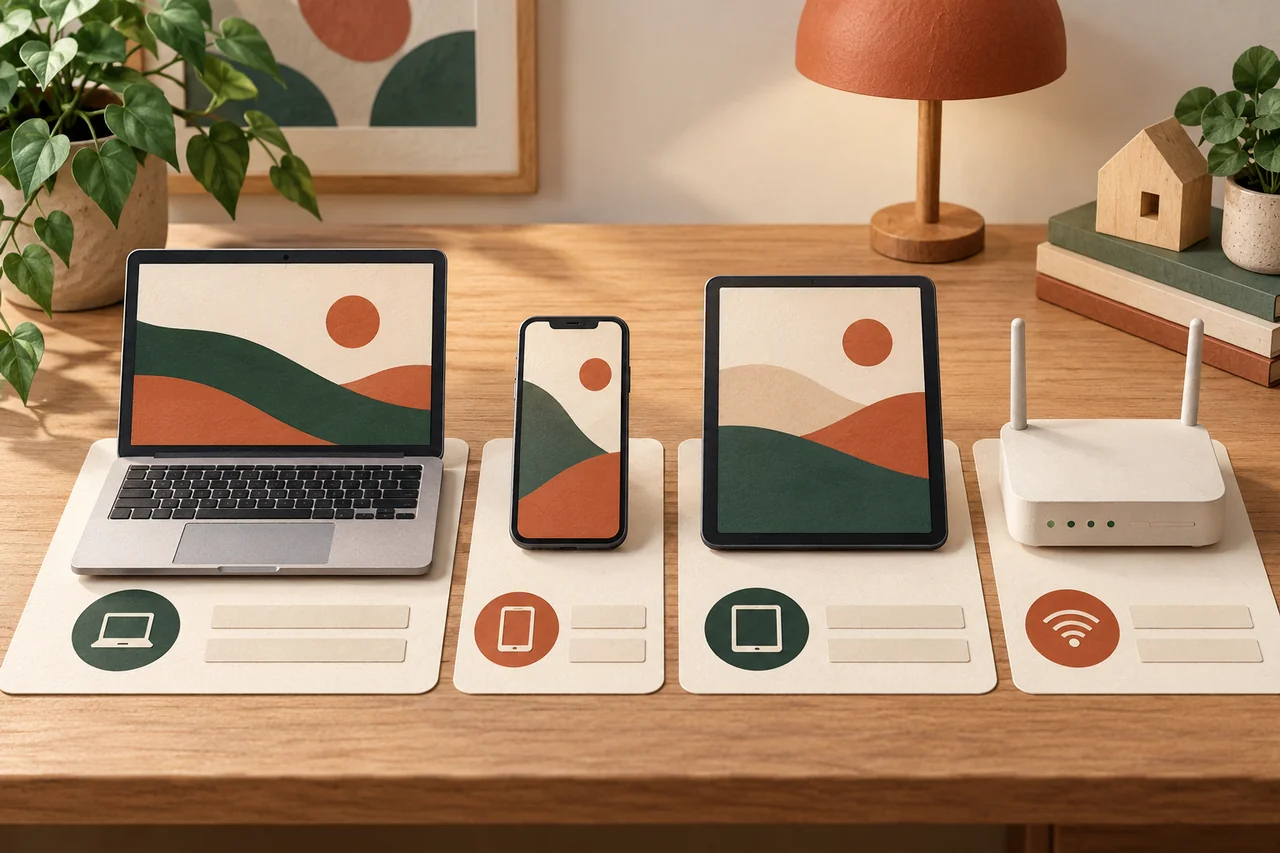
Begin with one room and visible devices
Fictional example: the Berger family starts in the living room. Beside the television and console stands an old smart speaker. Nobody remembers which family account manages it. They record the question rather than immediately resetting it and losing potentially needed settings.
You do not need a network scanner to begin. Walk through rooms and ask which devices people use and own. Include rarely switched-on equipment. Record personal phones and work devices only with the knowledge of their owners or responsible organisation.
Collect only useful information
A practical entry contains a name, manufacturer, model, responsible person, purpose and official help route. Add whether updates happen automatically or need checking. Label uncertainty “to verify”. The list does not have to be complete on the first evening.
Serial numbers may matter for warranty or loss, but need separate protected storage. Network passwords, unlock codes and recovery codes do not belong in the household’s broadly accessible list. A reference to secure storage is enough if authorised people understand how to use it.
Check support and settings with the manufacturer
Open official support for the exact model. Establish how updates are installed and whether a support end date is stated. Working equipment does not necessarily still receive security updates. Record an unknown support status as an unanswered question, not as confirmed protection.
For connected devices, also review unnecessary remote access and default passwords using manufacturer instructions. Change settings individually and with the responsible person’s agreement. For locks, alarms and other important functions, establish alternative operation and consequences first so a security change does not disrupt essential use.
Discuss shared use and privacy
Who can see camera recordings, retrieve locations or manage voice recordings? An inventory provides a useful moment to discuss these questions openly. Use intended roles and sharing controls rather than distributing one main password to everybody in a message.
The list is not an invitation to secretly monitor household members. Record agreed management details, not communication contents or movement histories. Guests may need suitable network access, but not knowledge of every account. For children, explanations and mutually understood rules should match their age.
Prepare handovers and the next review
The Bergers identify the speaker’s managing account and decide together whether it is still needed. Before giving it away, they follow manufacturer instructions for preserving required data, resetting and removing their connections. Unplugging a device does not automatically erase its information.
Update the inventory after purchases, ownership changes or relevant support notices. A review date you choose can help too. The list clarifies responsibility but cannot replace technical investigation when something is wrong, nor guarantee that every device or risk has been recorded.
Your checklist
The checkboxes are for your own reference. No entries are sent to us. To keep a copy, print the page or save it as a PDF using your browser menu.
Common questions
Do I need automatic network analysis?
Not to get started. An agreed manual list is often enough. Clarify unfamiliar network entries with the manufacturer or responsible technical help rather than deleting them hastily.
Is a device without updates automatically broken?
No. It may continue working after security support ends. Establish its specific support status and suitable future use with the manufacturer or qualified help.
Can I share the list with friends for advice?
Share only what the question requires. Remove personal names, access information and sensitive identifiers. A complete public inventory of the household is unnecessary.
Sources and further information
Primary sources from public authorities, consumer organisations and providers. A source may be in another language; follow the guidance that applies to your service and where you live.
- UK NCSC: Smart devices – using them safely in your homeSource review date:
- BACS: Geräteschutz, Passwörter und ZugriffsschutzSource review date: