Begin with a small familiar selection
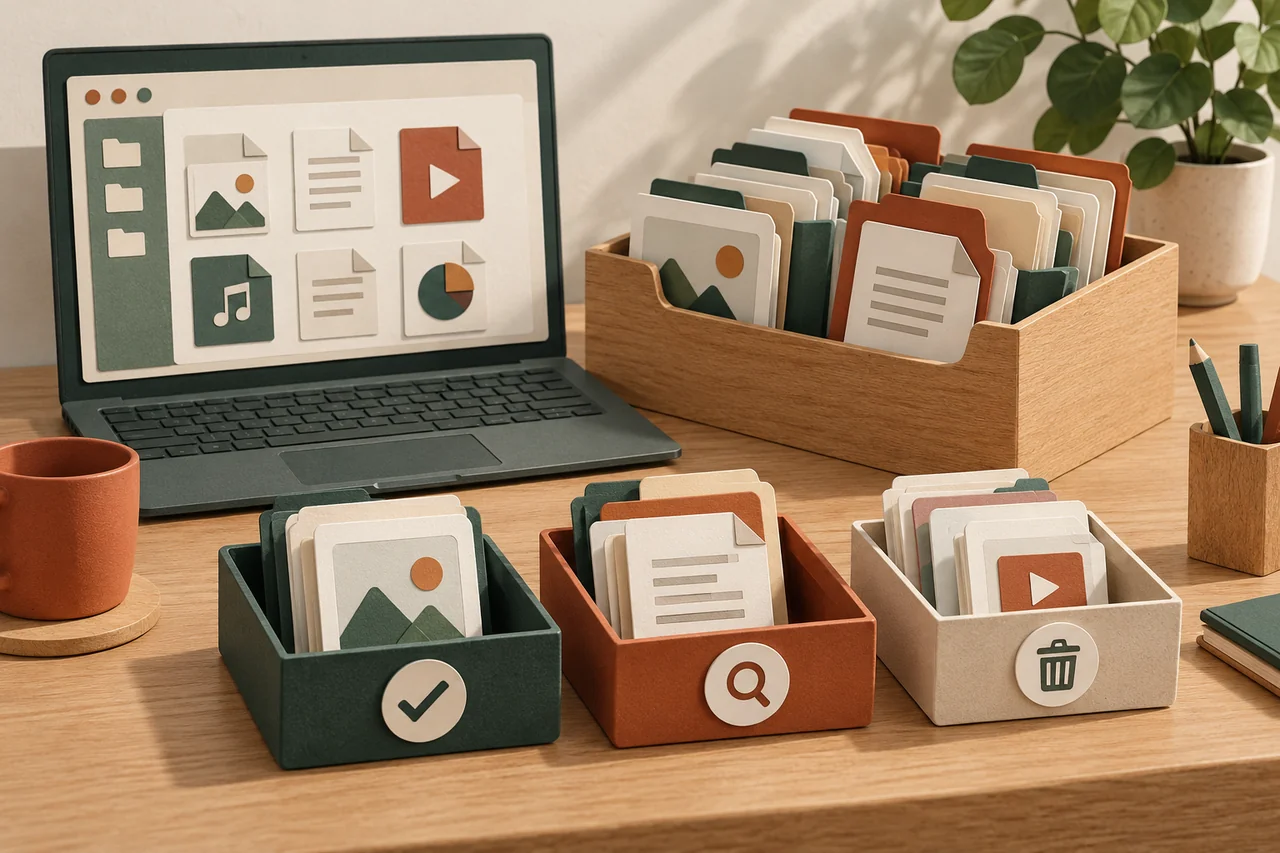
Fictional example: Jonas wants to free storage. Between a recognised electricity invoice and old travel papers, he finds a file called “Update”. He cannot remember its origin. He does not run it to find out. Instead, he begins with five documents whose origins and purposes he can confidently identify.
Starting small makes the decisions easier to review. Jonas does not delete the entire folder or run an automatic cleaner across everything. His aim is a useful filing arrangement, rather than the largest possible number of megabytes removed during one session.
Consider origin and type separately
A familiar filename is not evidence of safety; someone could have chosen it freely. Where possible, establish which real customer account, personal order or known source supplied the file. The browser’s download history may offer clues, but it does not establish that the original source was trustworthy.
Neither a file extension nor an icon guarantees harmless contents. Do not open unexpected files merely to categorise them, and do not bypass browser or operating-system warnings. For an unclear but potentially important file, asking the known sender independently is preferable to experimenting on your device.
Store important recognised records properly
Copy needed documents into their intended protected folder. Use understandable names and open known, trusted documents there to check that filing succeeded. A preview in the old Downloads folder does not establish that the new copy is complete or even present.
Include the destination in your backup routine. On a shared computer, check who can access it. Do not upload private invoices or identity documents to unfamiliar online services simply to make sorting easier. Personal records require more protection than a folder with a reassuring name.
Choose expendable items deliberately
Old installers may be unnecessary when you can identify them and no longer need them. However, removing a downloaded installer is not the same as uninstalling the application already installed. Files inside application or system directories do not belong in this simple Downloads cleanup.
For apparent duplicates from known sources, compare the contents and versions. “Invoice” and “Corrected invoice” may have different significance. If unsure, initially retain both in protected storage rather than treating similar names as proof that the files are identical.
Finish with a repeatable check
After the small session, check that you can find retained documents in their new location. Do not automatically empty the recycle bin immediately after every reorganisation. It is not a permanent backup, but it may provide a limited way back after an accidental deletion.
If you have already executed a suspicious file or bypassed a security warning, tidying alone is not a security assessment. Use appropriate protection features and seek suitable support. A small regular review is enough for future filing; unknown files still do not need to be opened for that purpose.
Your checklist
The checkboxes are for your own reference. No entries are sent to us. To keep a copy, print the page or save it as a PDF using your browser menu.
Common questions
Is every PDF harmless?
No. Its extension does not establish a safe origin. Keep the viewing application updated and do not open unexpected attachments simply to discover their purpose.
Does deleting an installer remove the application?
Usually the download and installed application are separate. Use the operating system’s or manufacturer’s supported uninstall procedure when you actually want to remove an application.
Can I upload an unknown file for checking?
Consider confidentiality and the service’s terms first. Personal documents may contain sensitive information. Uploading them is not a necessary first step in tidying a folder.
Sources and further information
Primary sources from public authorities, consumer organisations and providers. A source may be in another language; follow the guidance that applies to your service and where you live.
- Google: Chrome blocks some downloadsSource review date:
- BACS: GeräteschutzSource review date:
- Library of Congress: Keeping Personal Digital RecordsSource review date: