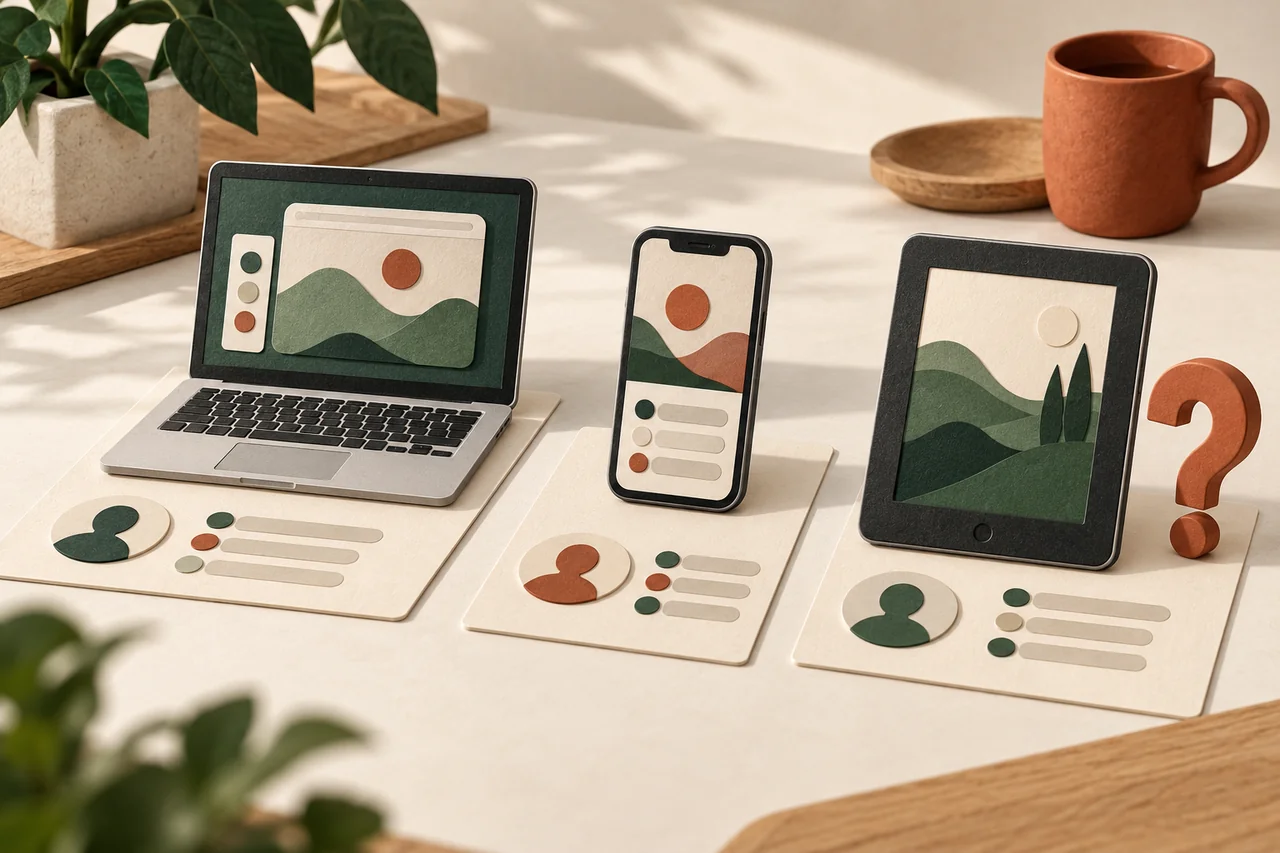
Why one device can appear more than once
Fictional example: Lea sees her laptop twice and worries. Over the weekend she tried a different browser, which could explain another session. Google notes that several sessions can belong to one device, including sessions from different browsers or apps. The number of entries therefore is not the number of strangers using an account. Lea compares the details first and separates what she recognises from what still needs an explanation.
Prepare a simple device inventory
Think through your devices or jot down a private list: current phone, older laptop, shared tablet. Include recent travel, repairs, new browsers and replacement devices. Then reach the account through your familiar app or a web address you enter yourself. Look for its device or session security view; the exact name depends on the service. An email warning can be a reason to investigate without being the route you use to reach the account.
Avoid overreading the time and location
A displayed time may reflect background communication, while location estimates may not match your physical position. Do not immediately record an assumed crime time or street address. Ask whether the browser, device type and circumstances fit together. When information is missing or contradictory, the correct label is simply “unclear”. You do not need proof of an attack to sign out an unnecessary or uncertain session through the provider’s instructions. Keep your present working access available while making changes.
Separate old devices from suspicious access
For a former device of your own, you may only need to end its sessions deliberately. First check that your current sign-in works. Clearly unfamiliar activity calls for more than housekeeping: follow the official account-security procedure, review recovery information and change a password that may have been exposed. Unexpected mail forwarding deserves attention in email accounts. Contact the financial provider directly if you see suspicious payments. Signing out a device cannot undo information that somebody has already read or copied.
Record the outcome, not a public security dossier
Keep a short record of entries you explained or signed out and questions that remain open. Do not publish full security screenshots, which can expose account and device information. After an incident, follow the provider’s additional checks. Repeated unfamiliar sessions, changed recovery details or messages you did not write are reasons to seek focused assistance. For managed workplace accounts, contact the responsible IT team. A reassuring device list is useful, but it does not constitute a complete account-security assessment.
Your checklist
The checkboxes are for your own reference. No entries are sent to us. To keep a copy, print the page or save it as a PDF using your browser menu.
Common questions
Do two entries with the same name mean two devices?
Not necessarily. One device can create several sessions. Equally, a similar name does not establish that a device is yours. Open the details and compare the circumstances.
Why was a session active while I was asleep?
The service may have synchronised information in the background. The displayed time does not necessarily describe a person deliberately signing in.
Should I sign out every device every week?
There is no need for that blanket routine. Review access after device changes or suspicious events and remove sessions you no longer need.
Sources and further information
Primary sources from public authorities, consumer organisations and providers. A source may be in another language; follow the guidance that applies to your service and where you live.
- Google: See devices with account accessSource review date:
- BACS: Konto gehackt oder Daten abgeflossenSource review date:
- Google: Secure a compromised accountSource review date: